
Marketplaces
Answer product questions and buyer messages from Amazon, eBay, Allegro, Trendyol, Kaufland, Mercado Libre and more in the same inbox.
Buyer questions and messages from the marketplaces where you sell arrive in your inbox like any other conversation — and your answers are posted back on the marketplace.
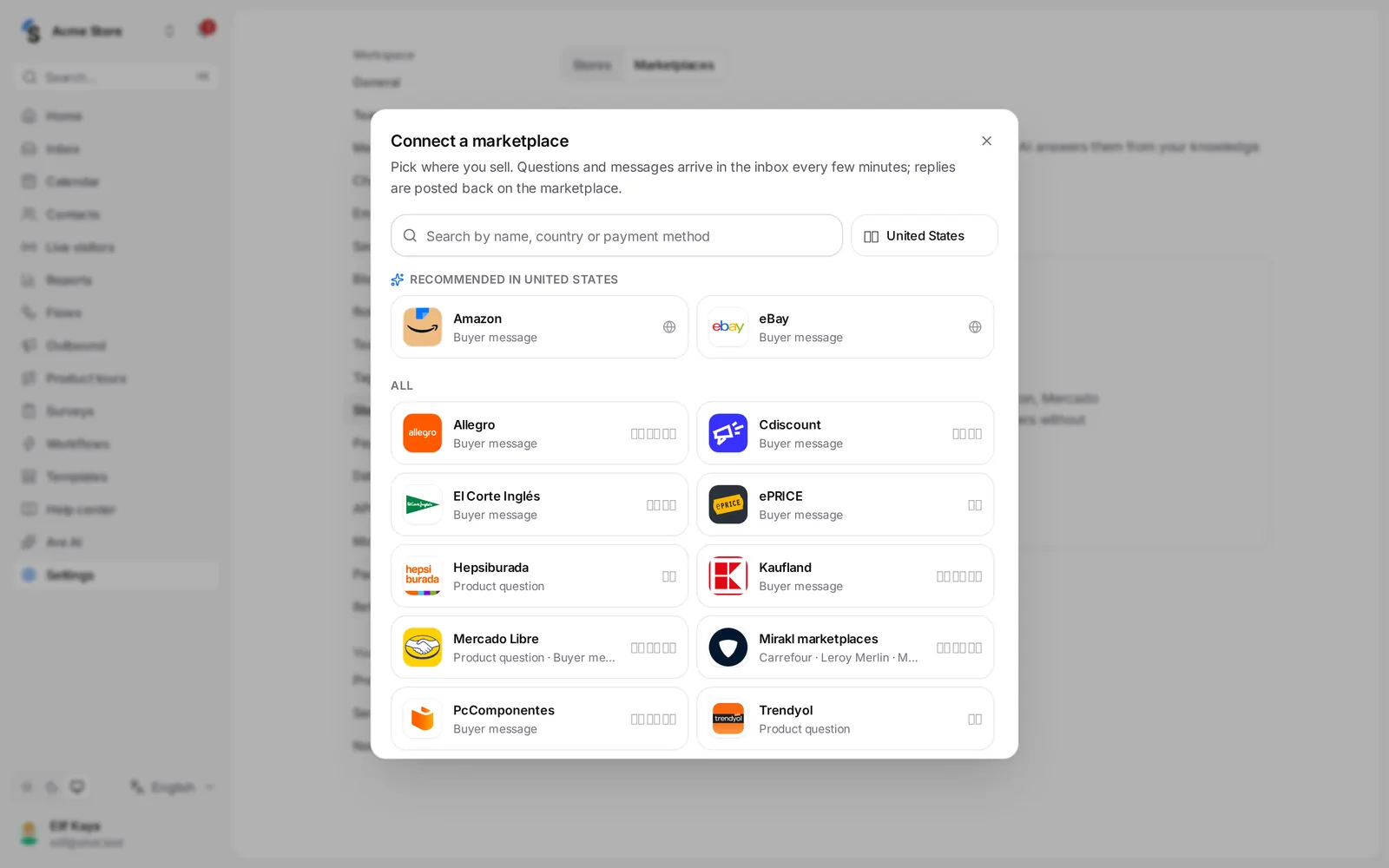
Connect a marketplace
- Go to Settings → Stores & marketplaces and click Connect a marketplace.
- Pick where you sell: Amazon, eBay, Allegro, Kaufland, Mercado Libre, Cdiscount (Octopia), Trendyol, Hepsiburada, or a Mirakl marketplace such as Carrefour, Worten, Leroy Merlin, MediaMarkt, Decathlon, El Corte Inglés, PcComponentes or ePRICE.
- Enter the keys or sign in to the marketplace — the window shows the steps for each one. Allegro shows a code to confirm on allegro.pl; eBay and Mercado Libre open their own approval page.
- New questions arrive within a few minutes.
Amazon has no API for buyer messages, so they come through email: set up email first, then follow the steps on the Amazon card to add your Shopxare address under Messaging permissions in Seller Central.
Answer from the inbox
- Product question and Buyer message conversations show the marketplace, the product (Open the product page) and the order.
- Your reply is posted on the marketplace and the conversation shows Posted on …. If the marketplace refuses it, you see why.
- Turn on Are AI answers automatically to answer new questions from your help articles, short answers and product data. When Are AI is not sure, the question waits for your team.
Each marketplace card shows the last 30 days: questions and conversations, and how many were answered. Disconnecting keeps its conversations in the inbox.
Still stuck? Contact