
Blocking and spam protection
Block people and words, and stop bots and spam before they reach your inbox — invisible to real visitors.
Go to Settings → Blocking.
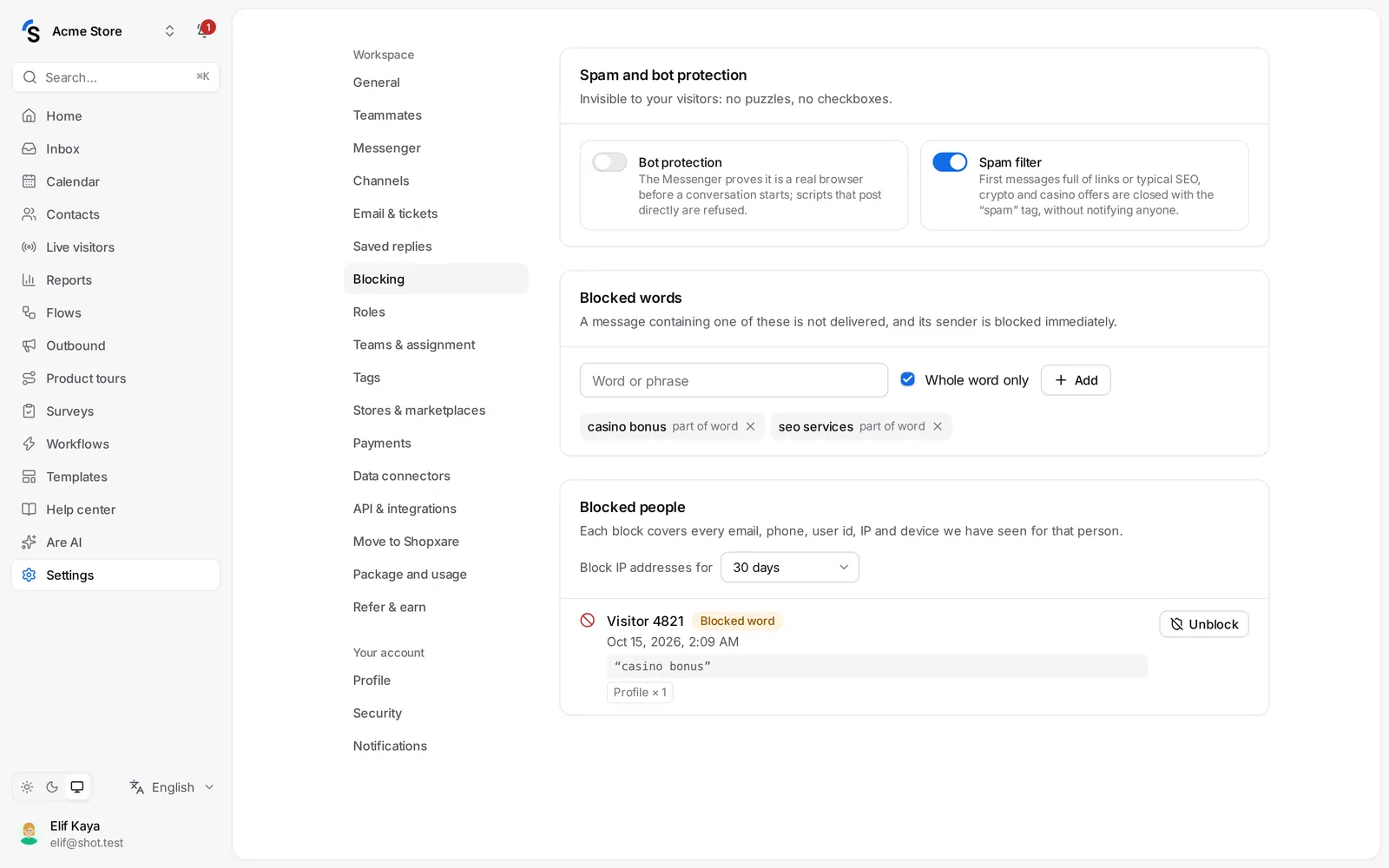
Spam and bot protection
Both are invisible to your visitors — no puzzles, no checkboxes.
- Bot protection — the Messenger proves it is a real browser before a conversation starts, so scripts that post messages directly are refused.
- Spam filter — first messages full of links or typical SEO, crypto and casino offers are closed right away and never reach your inbox.
Block a person
- In the inbox, open the conversation and choose Block in the conversation menu — or tick people in Contacts and use Bulk actions → Block.
- Optionally write a Note for your team, and confirm.
A block covers every email, phone, user ID, IP address and device we have seen for that person, so they can't open the Messenger or write to you again — even with a new email, browser or device. Their conversation shows This person is blocked.
Under Block IP addresses for, choose how long IP addresses stay blocked, or Forever.
Blocked people
Blocked people lists everyone who is blocked, with the reason (Blocked by a teammate or Blocked word) and what was blocked. Click Unblock to undo it.
Blocked words
Under Blocked words, add a Word or phrase and choose Whole word only or part of word. A message containing one of them is not delivered, and its sender is blocked immediately. Use it for insults or recurring spam phrases.
Blocking works the same in the Messenger, email, Telegram and the direct chat link.
Still stuck? Contact