
Telegram
Connect your Telegram bot and answer Telegram messages from the inbox, with files and photos.
Customers can write to your company's Telegram bot. Their messages arrive in the inbox like any other conversation, and your replies go back to Telegram.
Connect your bot
- In Telegram, open @BotFather and send
/newbot. - Choose a name and a username for the bot. BotFather sends you a token.
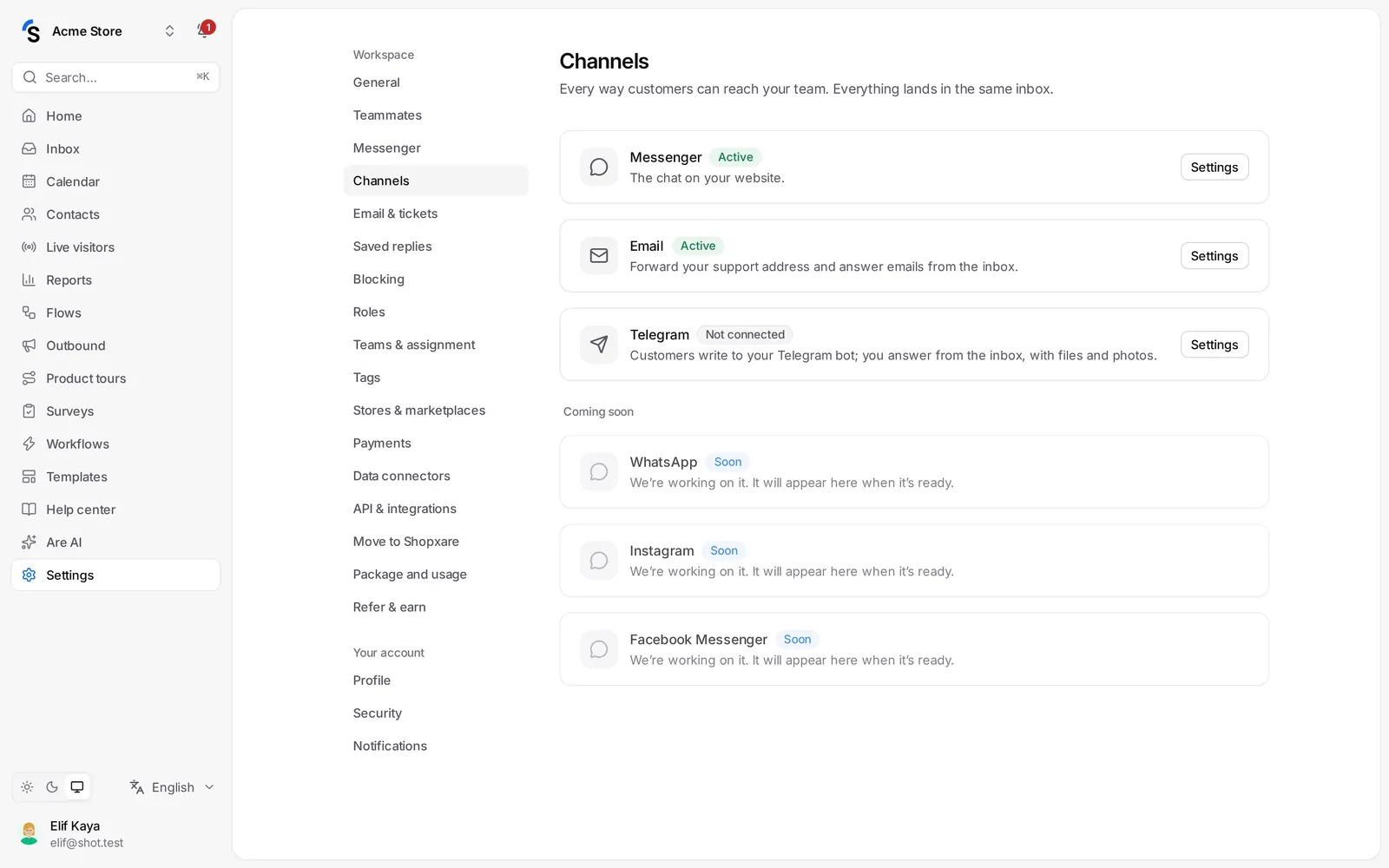
- In Shopxare, go to Settings → Channels and open Telegram.
- Paste the Bot token and click Connect. The page shows Connected · your bot's name.
That's it. Share your bot's link (https://t.me/your_bot_name) on your website, in emails or on social media.
How it works
- Only one-to-one chats are handled; group chats are ignored.
- Photos, files and voice messages from customers arrive as attachments (up to 10 MB). Stickers and locations are shown as a message type that can't be displayed yet.
- Your replies and files are sent to the customer's chat. Internal notes never are.
- A new message within two days of a closed conversation reopens it; later messages start a new one.
- Blocked contacts and blocked words work the same as in the Messenger.
Disconnect
In Settings → Channels → Telegram, click Disconnect. New messages to the bot no longer reach the inbox. You can connect it again at any time.
The Channels page lists every way customers can reach you — the Messenger, email, Telegram and the marketplaces — with the time of the last message.
Still stuck? Contact