
Help center
A public help center on your own address, so customers find answers alone — in the Messenger too.
The help center is a public website with your articles. Customers find answers without writing to you, the Messenger shows a help search, and Are AI uses your published articles to answer.
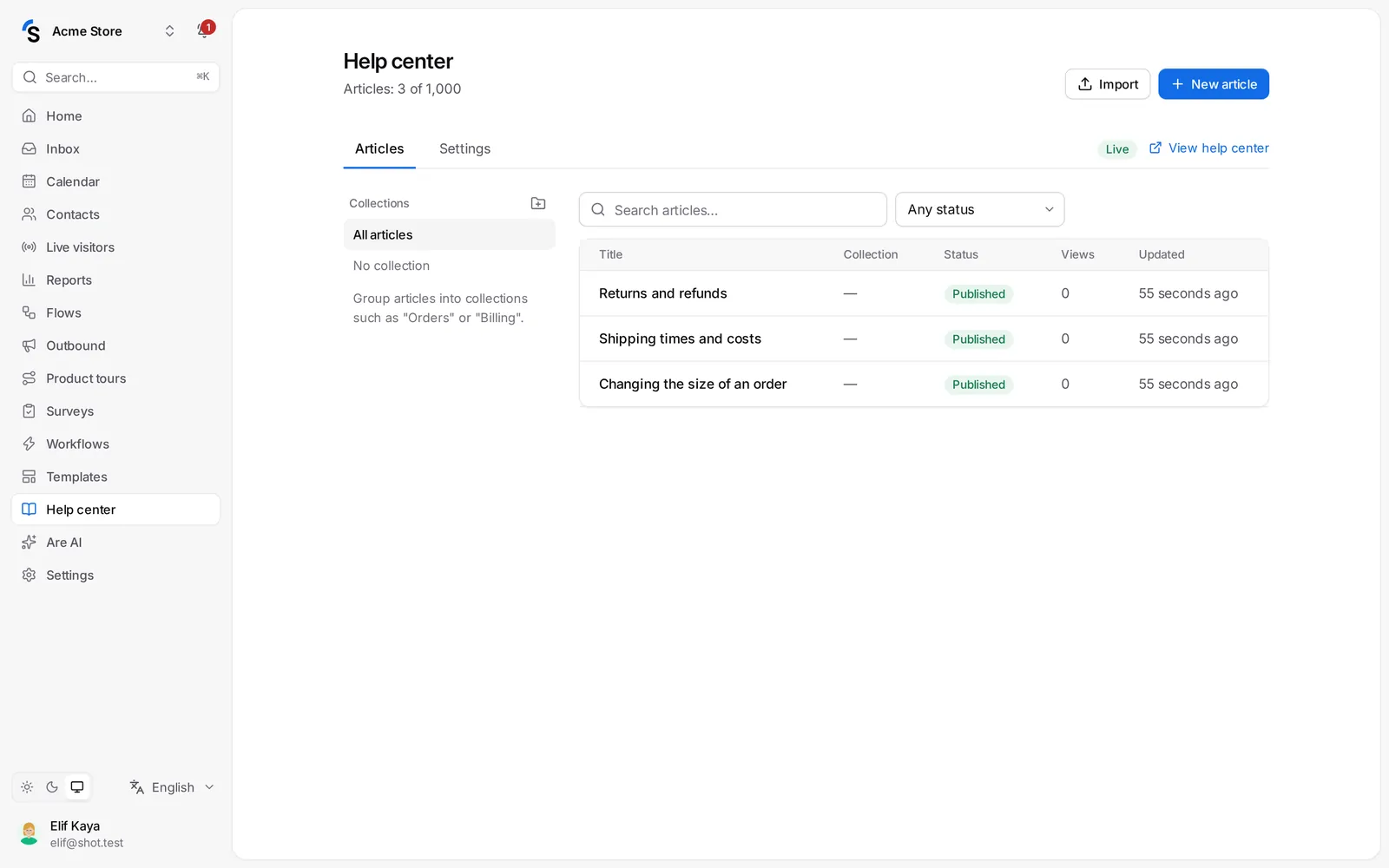
How it is organised
- Collections group articles by topic, for example Orders & shipping or Returns & refunds. A collection can have one level of sub-collections. Drag collections into the order you want.
- Articles belong to a collection and can be written in several languages.
Click New collection or New article on the Help center page to start. Writing and publishing is explained in Help center articles.
Set it up
- Go to Help center → Settings.
- Set the name, address and headline, the languages it is published in, and switch Published on to make it public.
- Under Appearance, set your brand color, logo, font, header and links — or click Import your brand to take them from your website. See Your help center's look and address.
- Click Save changes, then Preview to open your help center (only you see the preview until it is published).
What visitors get
- A homepage with your collections, popular articles and a search box.
- Article pages with a table of contents, reading time, related articles and an Was this helpful? reaction.
- A Contact us button that opens the Messenger.
- No cookies, fast pages and a sitemap for search engines, so articles can be found on Google.
Inside the Messenger
Turn on the Help center search card in the Messenger home, or the Help center space: customers search and read articles without leaving the chat.
Import articles
Moving from another help center? Import reads it from its website or from a CSV file — see Help center articles.
Still stuck? Contact