
Packages and usage
Your package, trial, seats, limits, AI budget and AI credit, payment card and invoices.
Go to Settings → Package and usage. It shows what your package includes and how much you have used this month.
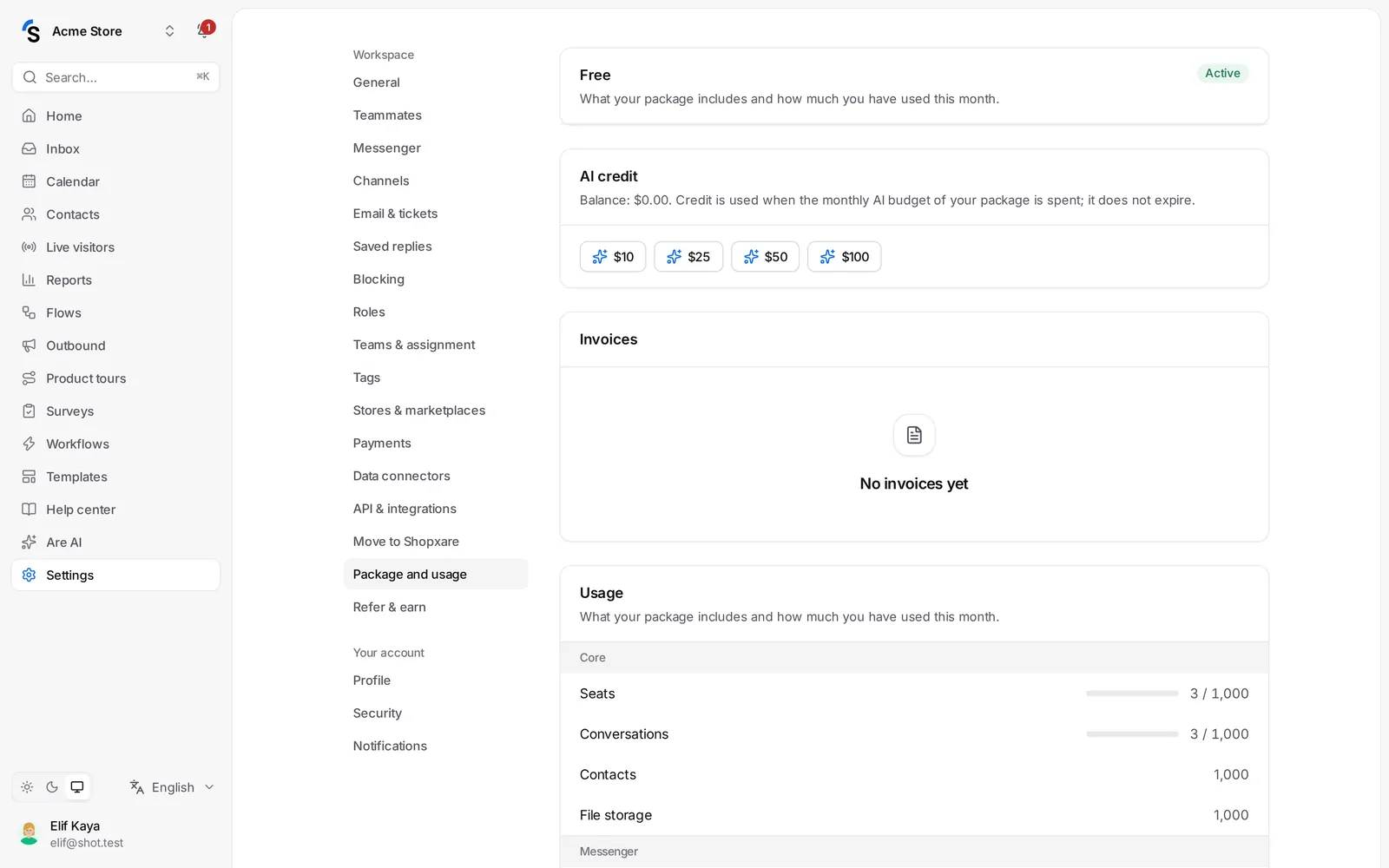
What a package decides
Each package sets which features you can use and the limits — for example teammate seats, conversations, contacts, live flows and workflows, help center articles and the monthly AI budget. The pricing page always shows the current packages. When you reach a limit, the app tells you which one.
Choose or change a package
- Under Plans, choose Monthly or Yearly (yearly saves money).
- Click Choose plan — or Start free trial if the plan has a trial. During the trial your card is charged only after it ends.
- Enter your card and billing address and confirm. Card details go directly to Stripe, encrypted; Shopxare never sees them.
To switch later, click Switch to this plan; the unused time of the old plan is credited. Cancel subscription keeps the plan until the end of the paid period, and Keep my subscription undoes it.
Payment & invoices
Under Payment & invoices you can Change card and open every invoice. If a payment fails, Stripe tries again and the owner gets an email; update the card to keep the paid features.
AI budget and AI credit
The monthly AI budget is part of your package. The owner gets an email at 80 % and when it is used up; then Are AI stops and conversations go straight to your team. To keep it answering, buy AI credit on the same page — it is used when the monthly budget runs out — or use your own OpenAI, Gemini or Anthropic key in Are AI settings.
Only the owner and teammates with Manage billing can change the package.
Still stuck? Contact