
Customer messaging platform
Every conversation. One calm inbox.
Live chat, Are AI, email tickets and a help center that work together — so your team answers faster without working harder.
Free to start. No credit card needed.
Inbox
Visitors ask in your Messenger. Are AI answers from what you taught it. Your team takes over in the same thread — and nothing gets lost on the way.
Messenger
A Messenger people enjoy. On every page.
It opens instantly, speaks your visitors’ language and keeps the conversation going across devices.
Hi there 👋
How can we help?
Are AI
Answers in seconds. With sources.
Are AI reads your help center, website, files and short answers — and replies with sources. When it is not sure, it hands over to a person.
Copilot
A second pair of hands. In every reply.
Draft a reply from your knowledge, summarise a long thread or translate into the customer’s language. You decide what gets sent.
Help center
Answers before anyone asks. In many languages.
Publish articles people can find on Google and inside the Messenger — and that Are AI uses to answer.
Tickets and email
Email, sorted. Every request tracked.
Forward your support address and every email becomes a ticket in the same inbox — with a number, a type and a state your customer can trust.
Automation
Let the routine run itself.
Guide visitors with buttons, tag and route conversations by rules, and start the right conversation at the right moment.
Just added
Fresh this month. Still free.
Calendar & booking in the chat
Customers pick a time right in the Messenger or from your link. Reminders by email and chat, round robin, your own hours.
Move in one click
Bring contacts, past conversations and help articles from Intercom, Zendesk, Freshdesk, Help Scout, Gorgias, Crisp, LiveChat, HubSpot and more.
App Store
Every integration in one place: shop platforms, marketplaces, payment providers, automation apps and channels.
Slack
New conversations appear in a Slack channel; reply in the thread and the customer gets the answer.
Are AI learns from your best answers
Conversations customers rated well become answers Are AI can use — automatically or after your review.
Reply from your wrist
Quick replies and Close right on the notification and on Apple Watch, plus home screen widgets with your open conversations.
Ten tools. One product.
Each part has its own page, so you can see exactly what it does.
Messenger
The chat on your website, in your brand.
Inbox
One shared inbox for the whole team.
Are AI
An AI agent that answers only from what you taught it.
Commerce
Orders, carts and payments in the chat
Copilot
Drafts, summaries and translations for your team.
Help center
Answers your customers can find on their own.
Tickets and email
Email becomes tickets, with states and reply targets.
Automation
Flows, workflows and messages that run on their own.
Product tours
Step-by-step guides on your site and app.
Reports
Response times, satisfaction and your team, at a glance.
Contacts
Everyone you talk to, with context.
Integrations
WordPress, WooCommerce, Shopify, JavaScript and webhooks.
Calls
Voice, video and screen sharing in the chat.
Channels
Messenger, email and Telegram in one inbox.
Calendar
Meetings booked right in the chat.
Security
How Shopxare protects your team and your customers.
Eight languages
The app and the Messenger speak English, French, Turkish, German, Spanish, Italian, Portuguese and Polish.
Live two-way translation
Customers write in their language, your team reads and replies in its own. The original is always one click away.
Voice and video calls
Call a visitor right from the conversation and let them share their screen. Free, nothing to install, never recorded.
Simple plans. Start free.
One price per workspace, not per user. Every new workspace starts with 14 days of Pro, no card needed.
Blog
Notes on talking with customers.
 Customer effort score (CES) for live chat and email: the question, the formula and how to lower effort in an online store (2026)
CES asks one question after a conversation: how easy was it to get your issue handled? The wording, two ways to calculate it, when to send it in chat and email, and the six things that make store customers work too hard.
 Package says delivered but the customer didn't receive it: what the seller should do, with 8 reply templates (2026)
Don't argue and don't refund on the spot: read the carrier's proof, send four checks, open an investigation and follow up on a set day. Who carries the loss under UK and EU law, 8 replies to copy and when it's fair to ask for more.
 How to train an AI chatbot on your own data for customer support: clean the content, test with 30 questions, keep it right (2026)
For a support chatbot, "training" means giving it sources, not changing the model. How to pick and clean those sources, a 30-question test to pass before launch, and the weekly routine that keeps answers right.
 JivoChat alternatives in 2026: what a small store pays, why Jivo's price depends on the country, and 4 options compared
JivoChat charges per agent, prices differ by country site, and the AI Agent is a separate module. What a 3-person store pays (November 2026), four alternatives priced the same way, and when Jivo is still the better choice.
 How to add live chat with Google Tag Manager: setup, consent and page rules (2026)
Create a Custom HTML tag, paste the chat snippet, fire it on page views, test in Preview and publish. The parts most vendor guides skip: consent, staging exceptions, logged-in customers and single-page apps.
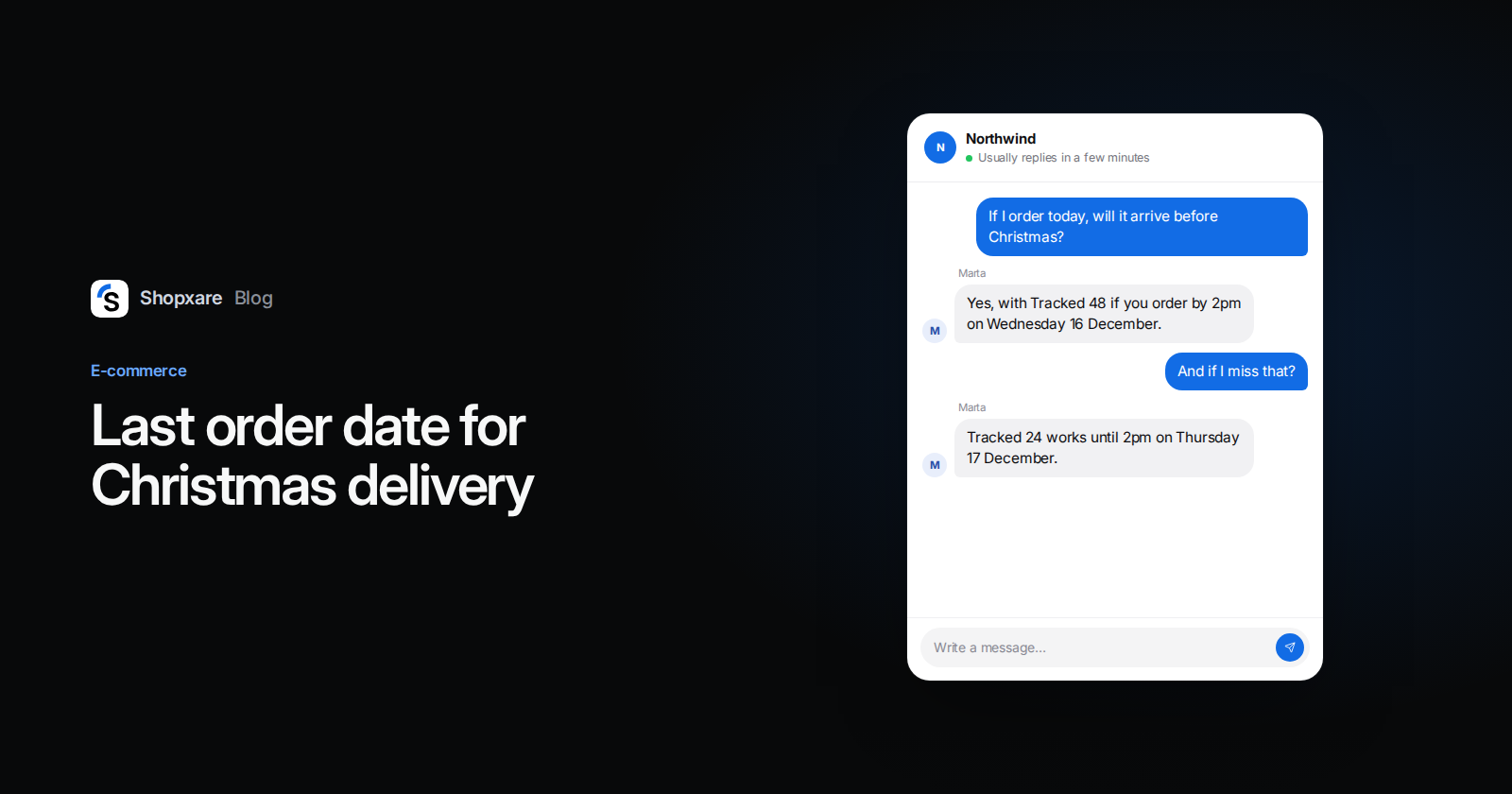 Last order date for Christmas delivery: how to set your store's cut-off, with 8 messages for chat and email (2026)
Your last order date is the carrier's last posting date, minus one working day of buffer, minus your packing time. The Royal Mail dates for 2026, a worked example, what not to promise and 8 messages to copy.
Free tools
Free tools. Useful today, no account needed.
Free chat link
A page with only your live chat, in your colours. Put the link in your Instagram bio, email signature or a QR code — messages arrive in your Shopxare inbox and phone app.
FAQ generator
Describe your business in a sentence or two. AI writes an FAQ for your website, ready to copy as text, HTML or FAQPage schema for Google.
Reply template generator
Late delivery, refund, damaged item, an angry customer: pick the situation and get three ready replies for chat and email in a minute.
Return & shipping policy generator
Answer a few questions and get a draft shipping and returns page for your shop — fewer “can I return this?” messages.
Support cost calculator
Enter your monthly conversations and the time each one takes. See your team’s hours and cost, and how much an AI agent that answers routine questions could take off.
QR code generator
Turn any link or text into a sharp QR code in your colour. Download it as PNG or SVG — no sign-up, no expiry, no tracking.
Customer service reply templates
Friendly, ready-to-use answers for the questions every online shop gets: order status, delays, refunds, damaged items and more.
NPS calculator
Enter how many customers answered 9–10, 7–8 and 0–6 and get your Net Promoter Score with a quick read of what it means.
CSAT calculator
Enter your 1–5 ratings and get the CSAT percentage and average score.
Support staffing calculator
Estimate how many people your chat support needs from your daily volume — and how many fewer when an AI agent answers part of it.
Questions, answered.
Is there a free plan?
Yes. You can start on the Free plan at no cost and upgrade whenever you need more.
Do I need a developer?
No. Paste one snippet before the closing body tag, install the WordPress or WooCommerce plugin, or add the Shopify snippet to your theme.
How does Are AI work, and who pays for it?
Are AI answers only from the knowledge you add — help articles, pages, files and short answers — and shows its sources. Every plan includes Shopxare AI resolutions each month (50 on Free); with your own OpenAI, Google Gemini or Anthropic key there is no limit.
Which languages are supported?
The app and the Messenger speak English, French, Turkish, German, Spanish, Italian, Portuguese and Polish. Help center articles can be written in 39 languages.
What happens to my customers’ data?
Conversations and contacts are stored in Shopxare and are never sold. When AI features are on, only the text needed for an answer is sent to the AI provider in use.
Can I cancel any time?
Yes. Cancel on your billing page; your plan stays active until the end of the period you paid for.
Give every customer a fast, friendly answer.
Free to start. No credit card needed.