 Shopxare Team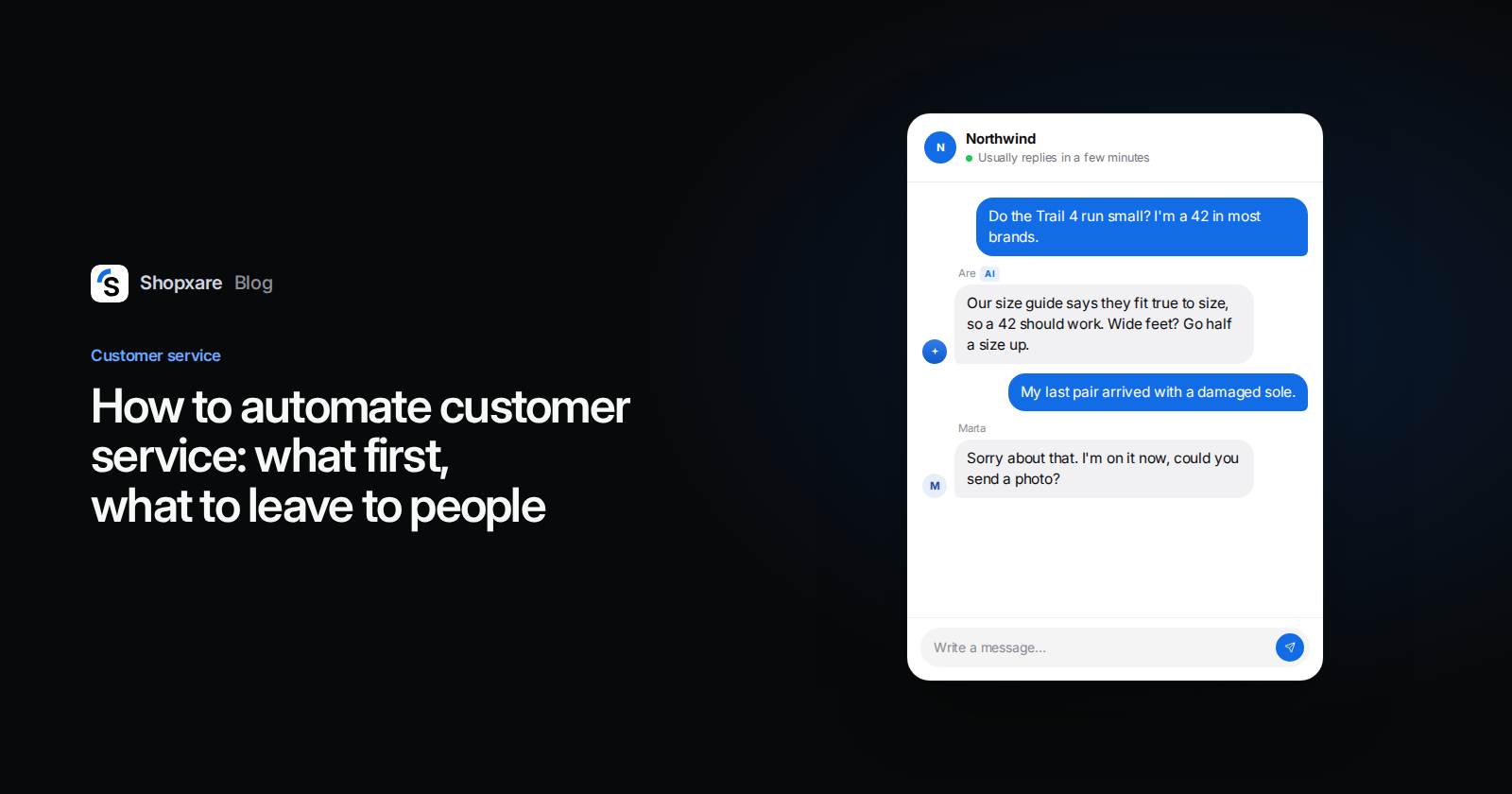
Short answer: To automate customer service in a small online store, tag one week of conversations, then give each question type the simplest tool that fully solves it: saved replies for answers a person still sends, routing rules so chats reach the right person, button flows for order tracking, "when this happens, do that" workflows for follow-ups, and an AI agent for questions your own pages already answer. Keep complaints, damaged goods and refunds outside your policy with people, and always show a way to reach one. Most stores can set this up in two weeks without a developer.
Start with a week of real questions
Automating before you know what customers ask is how stores end up with a chatbot that answers the wrong things. Spend one week tagging every conversation with a short reason. Ten or so tags are enough: where-is-my-order, shipping-cost, returns-how, size-fit, discount-code, change-order, damaged-wrong, wholesale, other.
At the end of the week, count. You want three numbers per tag: how many conversations, how many needed a person to look something up or make a decision, and how many got the same answer every time. A tag that is frequent and always gets the same answer is your first automation. A tag that needs judgement stays human, however frequent it is.
If your inbox labels topics for you (Shopxare's Topics report groups conversations by what customers asked), use that instead of tagging by hand.
The five levels, from simple to clever
| Level | What it does | Good for | What can go wrong |
|---|---|---|---|
| 1. Saved replies | A person inserts a ready answer and adjusts it | Return address, size advice, payment options | Sounds robotic if nobody edits it |
| 2. Routing rules | New chats go to a team or person automatically | Wholesale to sales, one language to the person who speaks it | A rule matches too much and one person drowns |
| 3. Flows with buttons | Guided choices in the chat, no AI | "Track my order", "Talk to sales", FAQ menu | Customers who type instead of clicking get stuck, unless the flow hands over |
| 4. Workflows | "When X happens and Y is true, do Z" | Priority for damaged items, alerts on long waits, closing quiet chats | Silent mistakes if nobody checks the run log |
| 5. AI agent | Writes answers from your own content | Shipping, returns policy, product questions | Confident wrong answers when your pages are thin |
The rule we use: pick the lowest level that fully solves the question. A button that looks up an order is cheaper and more predictable than an AI writing about it. An AI agent earns its place on questions that come in a hundred phrasings, like "do you ship to Austria and how long does it take".
Match each question to a level
Here is how the tags from the first step usually map for a small store. Your counts will differ, the logic won't.
| Question | Best level | Why |
|---|---|---|
| Where is my order? | Flow or AI agent with live order data | The answer is in your shop system; nobody needs to think |
| Shipping cost and time | AI agent | Same facts, many phrasings |
| How do I return something? | AI agent plus a return link | The policy is fixed; the return itself can still be approved by a person |
| Size and fit | AI agent from your size guide, saved reply as backup | Hand over when the guide doesn't cover the model |
| Discount code doesn't work | Saved reply, sent by a person | Someone has to check why first |
| Change address or order | Person, workflow sets priority | It depends on whether the parcel is packed |
| Damaged or wrong item | Person, workflow sets priority and team | Needs photos, judgement and goodwill |
| Wholesale or B2B | Routing rule to sales | Large orders deserve a fast human |
If your store is connected, the "where is my order" row can be fully automatic. In Shopxare, connecting a shop under Settings → Stores & marketplaces adds an order tracking card to the Messenger and lets Are AI answer order questions from live data (stores and orders). For the wording when a customer wants to send something back, our return and refund templates show the tone that works.
Set it up in this order
- Saved replies first. Write your top 15 answers once. Name them by situation (
returns-label-sent, notreply 7). This alone cuts typing for every later step (saved replies). - Routing and reply targets. Decide who gets what: round robin or "fewest open conversations", a rule for wholesale, and a reply target in working minutes so late chats are visible (teams and assignment).
- One flow for the top question. Usually order tracking. Three buttons are enough: "Track my order", "Returns", "Something else". Make sure typing a message hands the chat to your team (flows).
- Five workflows. The recipes below.
- The AI agent, on a short leash. Give it your shipping, returns and FAQ pages, test it with 30 real questions from your tagging week, and start with "only outside office hours" if you're nervous. Our chatbot vs live chat guide covers the trade-off in more detail.
- Review weekly. Read ten automated conversations every Friday. Fix the content, not just the bot.
Five workflow recipes to copy
Written as When / Only if / Then, the way Shopxare's workflows editor shows them. The same logic works in most help desks.
1. Damaged items jump the queue
- When: a new conversation reaches the team
- Only if: customer message contains "damaged" (add "broken", "wrong item" as extra workflows or tags)
- Then: set priority high, add tag
damaged-wrong, assign to team Returns
2. Nobody leaves a priority chat waiting
- When: the customer has waited 30 minutes without a reply
- Only if: priority is high
- Then: add an internal note for the team lead
3. Wholesale goes straight to sales
- When: a tag is added
- Only if: tag is
wholesale - Then: assign to team Sales
4. Emails outside office hours get an honest answer
- When: a new conversation reaches the team
- Only if: channel is email and office hours are closed
- Then: reply to the customer: "Thanks, {{contact.first_name | there}}. We're offline until 9:00 tomorrow and will answer first thing. Order number in your reply helps us move faster."
The Messenger already tells chat visitors when you're back once office hours are on, so you only need this for email.
5. Quiet conversations close themselves This is a setting, not a workflow: under Settings → General, turn on "Close quiet conversations" with a "Still there?" check first (auto-close). It only closes chats where your team sent the last reply.
Changes made by one workflow don't trigger other workflows in Shopxare, so you can't build a loop by accident. Still, open each workflow's run log after the first week.
What to keep for people
Customers are not short of patience with automation, they're short of trust. In a Gartner survey of 5,728 customers, 64% said they would prefer companies didn't use AI for customer service, and the top worry was that it would get harder to reach a person (Gartner, 2024). Another Gartner survey found only 14% of service issues were fully resolved in self-service, most often because customers couldn't find content relevant to their problem (Gartner, 2024).
So automation should make the human route faster, not hide it. Keep these with people:
- complaints, damaged and wrong items
- refunds or exceptions outside your written policy
- customers who are upset, whatever they ask
- legal threats and chargebacks
- large B2B orders and anything involving a contract
In Shopxare you can put these on Are AI's "Always hand over these topics" list; it also hands over when a customer asks for a person, sends a file, or the answer isn't in your knowledge (Are AI).
If you sell in the EU, one more rule: Article 50 of the AI Act, which requires telling people when they're talking to an AI system, applies from 2 August 2026 (Future of Privacy Forum, 2026). Give your AI agent a name that says it's an assistant, not a fake person.
Example: a two-person running shoe store
A store selling running shoes gets about 140 conversations in its tagging week. The counts (illustrative): 38 where is my order, 22 size and fit, 17 how to return, 14 shipping cost or time, 11 discount codes, 9 damaged or wrong items, 8 order changes, 21 other.
They connect the shop for order tracking, give the AI agent their size guide, returns page and shipping table, and set workflow 1 for damaged items. A Sunday evening chat:
Customer: Do the Trail 4 run small? I'm a 42 in most brands.
AI agent: The Trail 4 fits true to size according to our size guide, so a 42 should work. If you're between sizes or have wide feet, the guide suggests going half a size up. Want the link to the guide?
On Monday, the person on shift sees the overnight chats in the AI view, reads two that were handed over (a damaged sole and a question about a model missing from the size guide), and adds the missing model to the guide. The 9 damaged-item chats still go to a person, now with priority set.
How to tell if it works
Track four numbers before and after, monthly:
- Share resolved without a person (Are AI's overview shows "Solved by AI" and "Handed to the team")
- Reopen rate: conversations where the customer writes again about the same issue within a week. If it rises, automation is closing things it didn't solve.
- CSAT for automated vs human chats, kept separate so one doesn't hide the other (our KPI guide has formulas)
- First response time for the chats that do reach people, which should drop
If the share resolved goes up and CSAT holds, keep going. If CSAT drops, move the worst topic one level down.
Shopxare is free with no credit card, and saved replies, flows, workflows and Are AI are all in it. Install the Messenger and start with step one.
FAQ
What is customer service automation?
Using software to handle parts of support without a person doing each step: routing chats, answering repeat questions, sending follow-ups, closing finished conversations. It ranges from saved replies to AI agents.
Can customer service be fully automated?
Not for an online store that wants to keep customers. Questions with a fixed answer can be, but complaints, exceptions and upset customers need a person, and customers expect to be able to reach one.
What are examples of automated customer service?
Order tracking in the chat, an AI agent answering shipping questions from your policy page, rules that send wholesale inquiries to sales, priority for damaged items, and automatic replies outside office hours.
Is automated customer service bad for customers?
It's bad when it blocks them. It works when it answers simple questions instantly and hands over the rest quickly, with the history attached, so nobody has to repeat themselves.