 Shopxare Team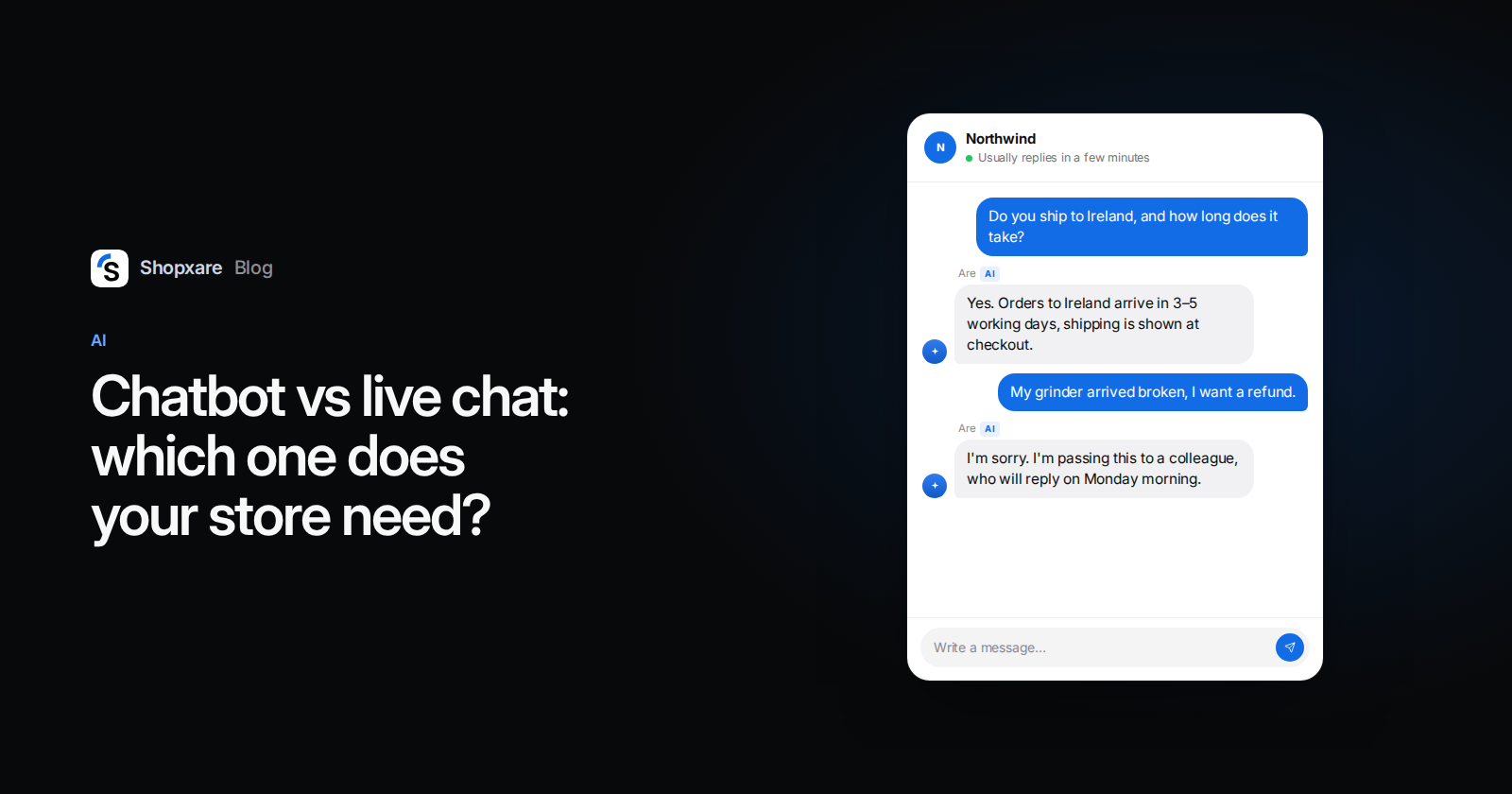
A chatbot answers instantly and at any hour, but only questions whose answer is already written down. Live chat puts a person on the other end who can advise, make an exception or calm someone down, but only while your team is online. Most small online stores shouldn't pick one: use live chat as the base, let a bot take the routine questions and the hours nobody covers, and keep a one-click way to a person. If you get only a few chats a week, live chat with saved replies is enough and a bot adds more setup than help.
Below: the difference in one table, the two kinds of chatbot, four questions to decide, the setup we recommend and when a bot is the wrong choice.
Chatbot vs live chat: the difference in one table
"Chatbot" now means two very different things, so the table has three columns.
| Live chat (people) | Rule-based chatbot (buttons) | AI chatbot (AI agent) | |
|---|---|---|---|
| Who answers | Someone on your team | Steps and buttons you wrote | A language model, from your content |
| Hours | While someone is online | Always | Always |
| Understands typed questions | Yes | No, it follows buttons | Yes |
| Good at | Advice, exceptions, complaints, closing a sale | Routing, collecting an email or order number, fixed paths like "track my order" | Repeat questions your pages already answer |
| Weak at | Nights, weekends, busy peaks | Anything off the script | Questions with no written answer, judgment calls |
| Setup | Install the chat, set office hours | About an hour per flow | Add your pages, test, set hand-over rules |
| Upkeep | Staffing | Edit the flow when a policy changes | Weekly check of missed and wrong answers |
| Main risk | Slow replies when understaffed | Customers stuck in a loop | Confident wrong answers |
Two kinds of chatbot, and why it matters
A rule-based chatbot is a decision tree. It greets the visitor and offers buttons such as "Track my order", "Returns" and "Talk to us"; each button leads to the next step. It never improvises, so it never invents an answer. It also can't understand "my parcel says delivered but it isn't here".
An AI chatbot, or AI agent, reads the customer's own words and writes an answer from the sources you give it: your shipping page, returns policy and help articles. It copes with phrasing you never thought of. It can also be wrong with full confidence when the source is missing or vague, which is why the hand-over rules matter more than the model behind it.
Most comparisons lump the two together. Keep them apart: a button bot is a better menu, an AI agent is closer to a new teammate who knows only what you wrote down.
The real question: who answers when you're closed

Each row is a day (Monday at the top), each square one hour from 00:00 to 24:00. Blue: someone can reply. A team online Monday to Friday, 9:00–17:00, covers 40 of the 168 hours in a week, or 24%.
During the other 128 hours a customer gets an away message, an email form or a bot. That, more than any feature list, is the reason most stores add a chatbot.
The second reason is repetition. In a typical store inbox the same handful of questions (delivery time, returns, sizes, payment, order status) comes back every day. Typing the same answer for the twentieth time is the work a bot should take over.
What customers expect from a chatbot
- 87% of customers say a company using generative AI for service must offer a way to reach a human agent, and 50% say AI makes their interactions easier (Gartner, August 2026, 3,566 customers surveyed in February and March 2026).
- In their latest service interaction, customers were about three times more likely to use ChatGPT or a similar tool than the company's own chatbot, and use of company chatbots has been flat since 2022 (Gartner, July 2026).
Our reading: people don't mind a bot that gives the right answer fast. They mind a bot that stands between them and a person, and they skip a bot that is no better than asking ChatGPT. So the bot should know your store better than a general tool does, and it should never be the only door.
Which one fits your store: four questions
- How many chats do you get? Count last month. A handful a week: answer them yourself with saved replies and skip the bot. Several dozen a day: you need a bot for the routine part, or more people.
- When do they arrive? Sort last month's conversations by hour. If a large share lands in the evening or at the weekend, those are the hours to cover first.
- Are your answers written down? Neither kind of bot can answer what isn't written. If your returns page is vague, fix it before you add anything.
- What kind of questions are they? Mostly policy and order status: a bot can take a good share. Mostly advice, made-to-order or expensive products: people sell more, so keep the bot to greeting and routing.
| Your situation | What to use |
|---|---|
| A few chats a week, the owner answers | Live chat, saved replies and an after-hours message |
| Many repeat questions, small team | Live chat plus an AI agent for routine questions and the closed hours |
| Busy, but you want every word under control | Live chat plus button flows for the top 3–4 paths |
| Advice-heavy sales (furniture, jewellery, B2B) | Live chat, with a short button flow that collects the details first |
| Nobody can check the bot every week | Live chat only, until someone can |
Decide per question, not per tool
The choice is less "bot or human" than "who takes which question". For every incoming question, ask in this order:
- Is the answer written on your site? No: a person answers.
- Is it about money, an exception or an upset customer? Yes: a person answers.
- Does it need order data? Yes: an AI agent connected to your shop, or a person.
- Everything else: the bot or the AI agent answers.
Our article on AI in customer service has a longer table with examples for each question type.
The setup most small stores end up with
- Live chat as the base. Install the chat and set office hours so customers can see when a person is around. In Shopxare that is the Messenger (one snippet, or the WordPress, WooCommerce, Shopify and ikas options), with office hours set under Teams and assignment.
- A button flow for the top paths. A greeting with 3–4 buttons: "Where is my order?", "Returns", "Shipping costs", "Talk to the team". In Shopxare: Flows → New flow, with buttons that open a help article, a link or Talk to the team. If the visitor types instead of clicking, the flow hands over at once (Flows).
- An AI agent for typed questions, nights first. Give it only your own content. Are AI answers from what you add under Are AI → Knowledge; under Are AI → Settings you pick the topics that always go to a person and what it does outside office hours. Our AI chatbot setup guide has the full test list.
- Hand-over rules and a visible way out. Always to a person: refunds, damaged or wrong items, complaints, anything legal. Are AI also hands over when the customer asks for a person, is angry, the topic is sensitive or it isn't confident.
- Say it's a bot. In the EU, Article 50 of the AI Act has required since 2 August 2026 that people are told when they are interacting with an AI system, unless it's obvious (Houthoff, September 2026). A name plus "AI assistant" in the chat covers it. This is not legal advice.
- Check it every week. Read the chats the bot handed over and the questions it couldn't answer. Are AI → Overview lists them, and writing the answer there adds it to the knowledge. For the chats people take, watch your first response time.
Example: a coffee equipment shop on a Sunday evening
The shop sells grinders and espresso machines. Two people answer chats on weekdays.
Sunday, 21:40. A visitor on the shipping page clicks "Shipping costs" in the button flow and gets the answer with a link. Done in ten seconds.
21:52. Another visitor types: "Does the 58 mm tamper fit the machine I bought from you last year?" The AI agent finds the compatibility table on the product page and answers with the link.
22:05. A third writes: "The grinder I got on Friday makes a loud grinding noise. I want my money back." Money and a possibly faulty product, so the AI agent says a colleague will reply on Monday morning, asks for the order number and hands over. At 9:00 on Monday the conversation is waiting in the inbox with the order number already there.
Two of three chats needed nobody. The third reached a person without having to explain anything twice.
When a chatbot is the wrong choice
- You get a few chats a week. Answer them yourself; a bot is more setup than help.
- Your answers aren't written down. The bot will guess or hand everything over. Write your policies first.
- Your sales depend on advice. Made-to-measure, expensive or technical products sell through conversation.
- Nobody will check it. An AI agent nobody reviews goes out of date the first time your delivery times change, and its answers count as yours. In 2024 a Canadian tribunal held Air Canada liable for wrong fare information its website chatbot gave a customer, and rejected the idea that the chatbot was a separate entity (Moffatt v. Air Canada, 2024 BCCRT 149).
When live chat alone is the wrong choice
- Your team can't keep up during the day. If chats regularly wait more than a few minutes, a bot that takes the easy half frees people for the rest.
- Most chats arrive while you're closed. An away message promising a reply tomorrow is fine for a complaint. It's a poor answer to "do you ship to Ireland?" from someone with a full basket.
Shopxare has the Messenger, Flows and Are AI in one free plan with no credit card, so you can start with live chat today and add a bot when the numbers say so.
FAQ
What is the difference between a chatbot and live chat?
Live chat connects the customer with a person on your team in real time. A chatbot answers without a person, either with fixed buttons (rule-based) or by writing answers from your content (AI). Many tools offer both in the same chat window.
Is a chatbot better than live chat?
Neither is better in general. A chatbot wins on speed and hours for routine questions; live chat wins on advice, exceptions and complaints. For most small stores the answer is both, with a clear hand-over.
Can a chatbot replace customer service agents?
Not in a store that sells anything beyond the simplest products. It can take repeat questions and the closed hours, but refunds, complaints and advice still need a person, and 87% of customers say a company using AI must offer a way to reach one (Gartner, 2026).
Do I have to tell customers they're talking to a bot?
In the EU, yes: since 2 August 2026 under Article 50 of the AI Act, unless it's obvious. Elsewhere it is still good practice. This is not legal advice.
What's the difference between a rule-based and an AI chatbot?
A rule-based chatbot follows the buttons you designed and can't understand typed questions. An AI chatbot understands free text and answers from your sources, but it needs clear content, hand-over rules and a weekly check.