 Shopxare Team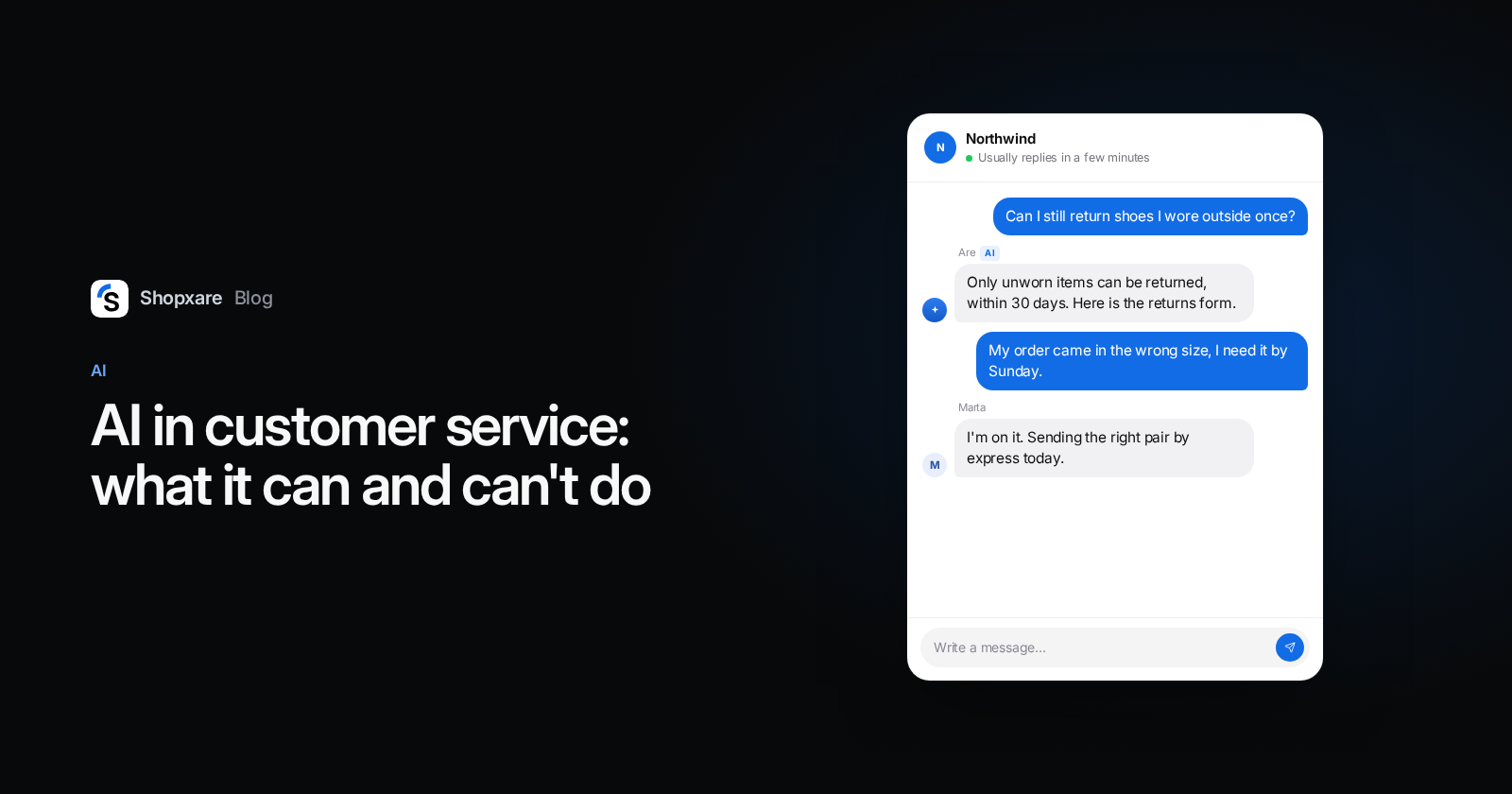
AI in customer service works best on the repetitive questions that your own pages already answer: shipping times, returns, sizes, payment options and, if it can look orders up, "where is my order". It should not decide refunds, bend your policy, calm an angry customer or answer anything it has no source for. For a small online store the sensible setup is an AI agent that answers from your content around the clock and hands over to a person in one click. In Gartner's 2026 survey, 87% of customers said a company using AI for service must offer a way to reach a human.
Below: what customers actually think, a question-by-question table of what to give the AI, what it costs per resolved chat at five vendors (checked October 2026), and a 30-day rollout.
What customers think about AI in customer service
The numbers are more mixed than vendor marketing suggests:
- 87% say it is essential that a company using generative AI offers an option to reach a human agent, and 50% say interactions are easier when companies use it (Gartner, August 2026, 3,566 customers surveyed in February–March 2026).
- In their latest service interaction, customers were about three times more likely to use ChatGPT, Gemini or a similar tool than the company's own chatbot. Use of company chatbots has been flat since 2022 (Gartner, July 2026).
- Two years earlier, 64% said they would prefer companies didn't use AI for service at all. Their top worry was that it would get harder to reach a person (Gartner, July 2024).
- For product recommendations, 54% trust a human agent more and 32% trust AI more (Gartner, April 2026).
Our reading: customers don't object to a fast, correct answer from a machine. They object to a machine standing between them and a person. Design for that and most of the risk goes away.
What an AI agent does well
- Answers questions your pages already cover. "Do you ship to Austria?", "How long do I have to return?", "Is there a size guide?" These make up a large part of a typical store inbox, and the answer is the same every time.
- Works at night and on weekends. A customer asking about delivery times at 23:10 gets the answer now instead of tomorrow morning.
- Looks things up when it is connected to your systems. Order status, tracking link, delivery estimate. Without a connection it can only explain the policy.
- Asks the missing question. "Which order number?" before the handover saves your team a round trip.
- Answers in the customer's language, as long as your source content is correct.
What it can't (or shouldn't) do
- Answer without a source. If the return window isn't written anywhere, the AI has to guess or hand over. Guessing is the dangerous part. In 2024 a Canadian tribunal held Air Canada responsible after its website chatbot gave a customer wrong information about bereavement fares; the tribunal said the chatbot was simply part of the airline's website (Moffatt v. Air Canada, 2024 BCCRT 149). Your bot's answers are your answers.
- Make exceptions. "It's day 16, can I still return it?" is a judgment call. Give it to a person.
- Decide about money. Refunds, compensation, discounts after a complaint.
- Handle anger. A customer who writes in capitals after a broken delivery wants a person, and every extra AI message makes it worse.
- Replace your team. Even large companies are moving people to new work rather than cutting them: 85% of service leaders say they are adding responsibilities to frontline roles as AI takes volume (Gartner, April 2026).
Who should answer what: a table for online stores
| Question type | Example | Who answers | Why |
|---|---|---|---|
| Policy, written down | "How long is the return window?" | AI | One correct answer, already on your returns page |
| Product facts | "Is this jacket waterproof?" | AI, from product pages | Fine if the page says so; hand over if it doesn't |
| Order status | "Where is my order?" | AI with an order lookup | Needs a connection to your shop; otherwise hand over |
| Change to an order | "Can I change the address?" | AI with lookup and customer confirmation, or a person | Changes data, so it must be confirmed |
| Exception to policy | "Return after 30 days?" | Person | Judgment, and you may want to say yes |
| Damaged or wrong item | "The mug arrived broken" | Person | Money and goodwill; see our complaint templates |
| Advice and buying help | "Which size for a wide foot?" | Person, or AI with a quick handover | Customers trust humans more for recommendations |
| Angry or legal | "I'll report you" | Person, immediately | Every AI message here costs you |
What AI customer service costs (as of October 2026)
Most vendors charge per conversation the AI resolves, on top of seats. These are list prices from each vendor's own pricing page, checked on 12 October 2026:
| Tool | AI price | Notes |
|---|---|---|
| Intercom Fin | $0.99 per outcome | Seats from $29/month (annual) or $39 (monthly) (Intercom) |
| Zendesk AI agents | $1.50 per automated resolution committed, $2.00 pay-as-you-go | 5 included per agent per month on Support Team and Suite Team, 10 on Suite Professional |
| Help Scout AI Answers | $0.75 per resolution | Add-on; 3-month free trial for new accounts |
| Freshchat Freddy AI Agent | $49 per 100 sessions | Billed per session, not per resolution |
| Tidio Lyro | from $32.50/month for 50 Lyro conversations | Free plan includes 50 Lyro conversations once (lifetime) |

A quick sum for a store with 600 chats a month. Suppose the AI fully resolves 240 of them (40%; that is an assumption for the example, not a benchmark). That is about $180 a month at Help Scout's rate, $238 at Intercom's and $360–$480 at Zendesk's before the included resolutions, plus seats in every case. Definitions differ: Intercom counts an "outcome", Help Scout doesn't count a chat where the customer still asks for more help, so compare the definitions, not just the prices.
Shopxare works differently: there is one plan today and it is free. It includes a monthly AI budget for Are AI; when the budget runs out, Are AI stops and new chats go straight to your team. You can also plug in your own OpenAI, Anthropic or Google API key and pay the provider directly (Packages and usage).
When another tool is the better pick: if you need phone support, a large team with advanced workforce features, or WhatsApp, Instagram and Facebook Messenger in the same inbox today, look at the bigger suites. Those channels are on the way in Shopxare but not available yet.
How to roll out an AI agent in 30 days
- Pull your last 200 conversations and sort them into topics. Usually 15–20 questions cover most of the volume. That list is your scope.
- Fix the content before the AI. Every question on the list needs a clear written answer: a shipping page, a returns page, a few help articles. If your returns page is vague, the AI will be vague.
- Give the AI only your sources. In Shopxare that is Are AI → Knowledge: help center articles, short answers, website pages (single page, sitemap or crawl) and files. Are AI answers only from these.
- Write the handover rules. Topics that always go to a person (refunds, complaints, anything legal), plus a visible "talk to a person" option. Are AI already hands over when the customer asks for a person, is angry, the topic is sensitive or it isn't confident; you add your own topics in Are AI → Settings.
- Test with 30 real questions before going live, including awkward ones. Are AI → Try it shows the answer, its sources and the confidence. Our AI chatbot setup guide has the full test list.
- Start with the hours nobody covers. Turn the AI on evenings and weekends first, next to a clear after-hours message. Expand to office hours once the weekly review looks clean.
- Review every week. Are AI → Overview lists questions it couldn't answer; writing the answer there adds it to the knowledge. Also read chats rated low (how to read CSAT).
For order questions, connect your shop with a data connector so the AI can look up the status; changes like a new address only run after the customer confirms. And for the chats people take over, Copilot drafts replies from the same knowledge, with nothing sent without a teammate.
Example: one evening at a running shoe store
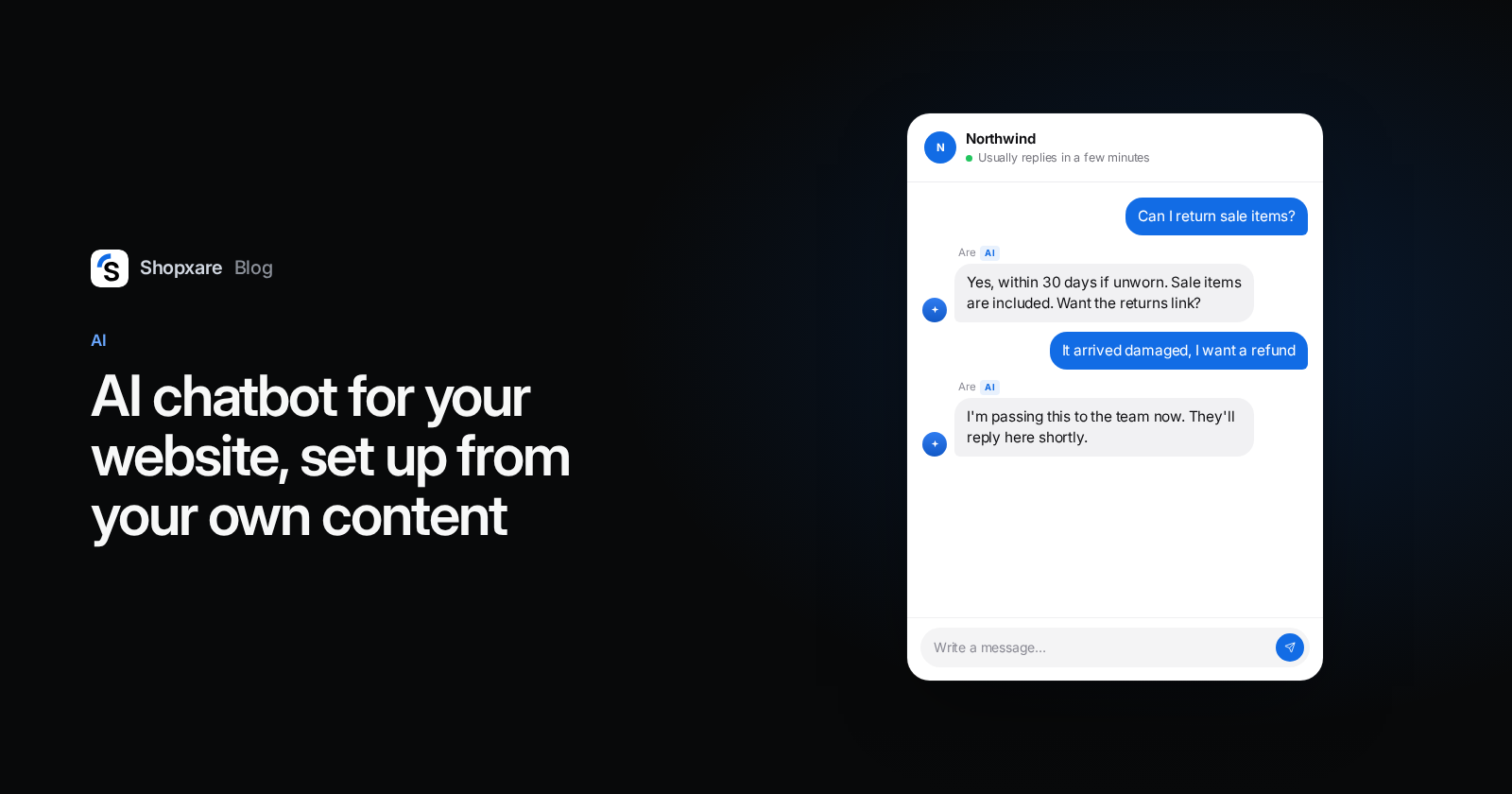
23:10. A visitor writes: "If I wear the shoes once outside, can I still return them?" The AI answers from the returns page: unworn items only, 30 days, with a link to the returns form. The customer clicks "That helped". Nobody on the team had to wake up.
23:24. Another customer: "My order arrived with the wrong size and I need them for a race on Sunday." The AI asks for the order number, then hands over, because wrong items and deadlines are on the "always a person" list. At 08:05 a teammate opens the conversation with the order number and the full context already there, and sends the right pair by express.
Both chats went the way they should. Only the second one needed a human, and it reached one with no repeated questions.
When you shouldn't use an AI agent yet
- Your policies aren't written down. Write them first; that alone reduces questions.
- You get a handful of chats a week. Answer them yourself and use saved replies.
- Most of your conversations are advice or exceptions, as in custom furniture or made-to-order jewellery. A person will sell more.
- You can't review it weekly. An unattended AI drifts out of date as soon as your shipping times change.
If you want to try this on your own store, Shopxare is free with no credit card, and Are AI, Copilot and the Messenger are part of it.
FAQ
What are the pros and cons of AI in customer service?
Pros: instant answers at any hour, consistent replies to repetitive questions, and less load on your team. Cons: wrong answers when content is missing, customers who feel blocked from a human, and per-resolution costs that grow with volume. A clear handover fixes most of the downside.
Will AI replace customer service agents?
Not in most teams. In Gartner's 2025 survey of 321 service leaders, 85% were adding responsibilities to frontline roles and 31% had implemented or planned layoffs because of AI. The work shifts to exceptions, complaints and sales conversations.
How much does AI customer service cost?
As of October 2026, list prices range from $0.75 (Help Scout) to $0.99 (Intercom) and $1.50–$2.00 (Zendesk) per resolved conversation, usually on top of seat prices. Shopxare's free plan includes a monthly AI budget.
Do I have to tell customers they are talking to an AI?
In the EU, yes: since 2 August 2026, Article 50 of the AI Act requires that people are informed when they interact with an AI system, unless it is obvious. A clear name and a label like "AI assistant" in the chat cover it. This is not legal advice.
Can a small business use AI customer service for free?
Yes, with limits. Tidio's free plan includes 50 Lyro conversations in total, and Shopxare's free plan includes a monthly AI budget for Are AI. Check what happens when the free allowance runs out: with Are AI, chats go to your team.