 Shopxare Team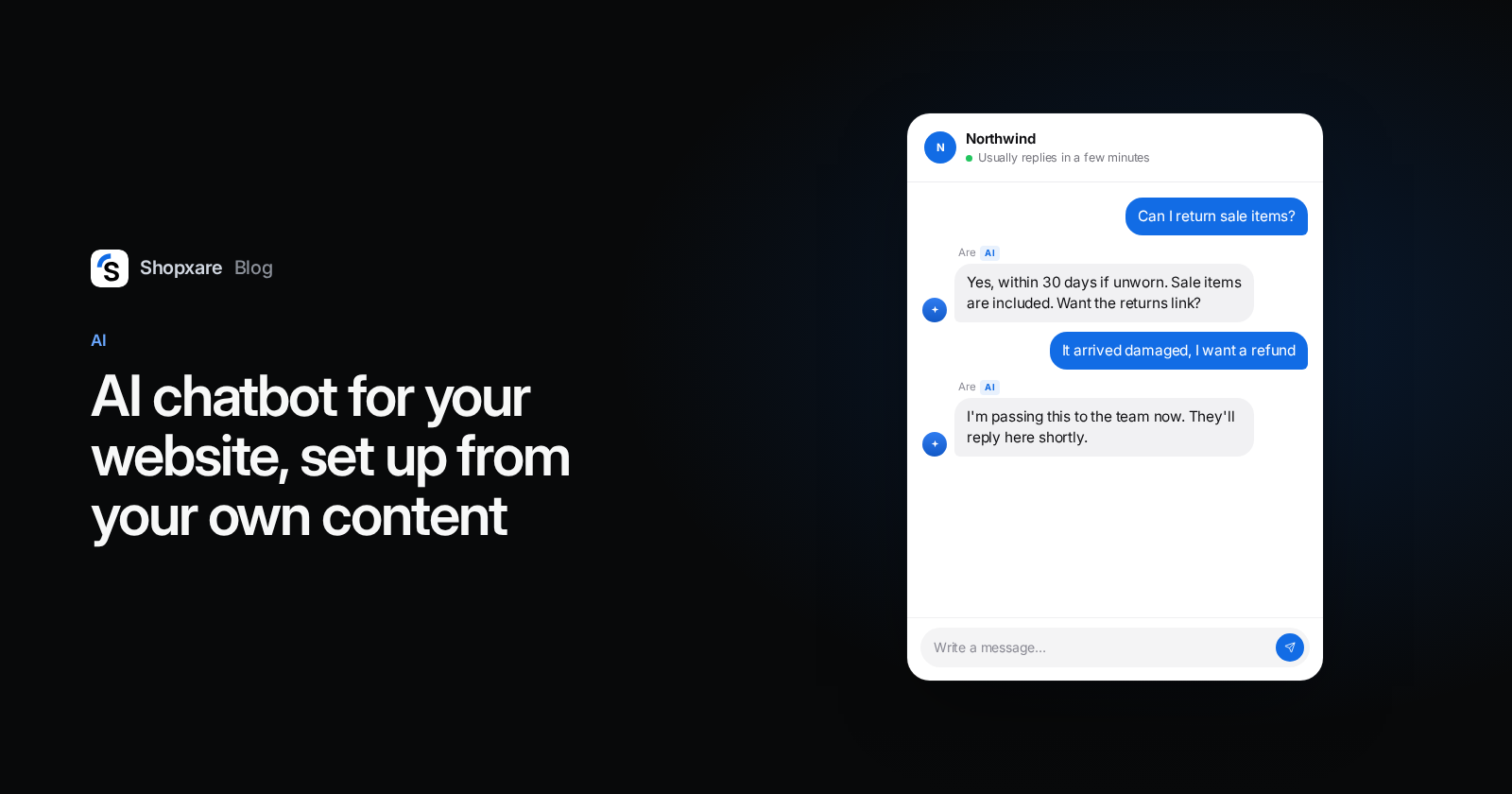
An AI chatbot on your website is only as good as the content it answers from. Point it at your own shipping, returns and payment pages, your help articles and saved replies, tell it which topics always go to a person, and test it on 30 real questions from your inbox before it talks to customers. Done that way, one afternoon gets you a bot that answers the routine questions correctly, says "I'll get a colleague" when it should, and doesn't invent a refund policy you never had.
Below: what an AI chatbot can and can't handle on a store website, the six setup steps, a test sheet you can copy, the EU rule on telling people they're talking to an AI, and when you should wait.
What an AI chatbot should and shouldn't answer
The useful split isn't "easy vs. hard". It's "the answer is written down somewhere" vs. "the answer needs a decision".
| Question | Let the AI answer? | Why |
|---|---|---|
| "How long does shipping to Austria take?" | Yes | It's on your shipping page |
| "Can I return sale items?" | Yes | It's in your returns policy |
| "Do you take PayPal?" | Yes | Payment page or FAQ |
| "Is the jacket true to size?" | Yes, if your product pages say so | Product content |
| "Where is order 4417?" | Only with a live order lookup | Without your order data it can only guess |
| "My parcel arrived damaged, I want my money back" | No, hand over | Money and judgement |
| "Can you make an exception, just this once?" | No, hand over | Exceptions are your call |
| "This is the third time I'm writing" | No, hand over | Angry customers need a person |
A rule of thumb: if a new teammate could answer it on day one by reading your website, the AI can too. If the new teammate would have to ask you, so should the AI.
Why "only from your own content" matters
In February 2024, a Canadian tribunal ordered Air Canada to pay a customer after its website chatbot told him he could claim a bereavement discount after his trip, which the airline's own policy page didn't allow. Air Canada argued the chatbot was responsible for its own words. The tribunal disagreed: "It should be obvious to Air Canada that it is responsible for all the information on its website" (Moffatt v. Air Canada, 2024 BCCRT 149).
The amount was small (CA$812), but the lesson applies to any shop: whatever the bot says, you said. So the bot should answer only from content you've approved, and stay quiet when that content doesn't cover the question.
Step 1: Collect the content it will answer from
Start with the pages customers ask about most. For a typical online store that's 10 to 15 pages:
- Shipping: costs, delivery times per country, carriers.
- Returns and refunds: deadline, condition, who pays return postage.
- Payment methods and when the card is charged.
- Contact and opening hours.
- Size guides or product care, if you sell clothing or anything with variants.
- Your top help center articles, if you have them.
In Shopxare you add these under Are AI → Knowledge: help center articles (they sync when you publish or edit them), short answers, shared saved replies, files (PDF, DOCX, TXT, MD, CSV) and websites as a single page, a sitemap or a full crawl that re-syncs weekly. Are AI ranks them on purpose: saved replies, short answers and help articles first, then your shipping, returns and policy pages, product pages last. A crawl caps product pages at 40% and skips cart, account and search pages, so a big catalogue doesn't drown out the returns policy.
Step 2: Fill the gaps with short answers
Your website never covers everything. Open your last 50 chats or emails and write down every question that came up more than twice. Then check each one: is the answer on a page you added in step 1?
For the ones that aren't, write a short answer of two or three sentences. Typical gaps in online stores: "Do you ship to the Canary Islands?", "Can I change the address after ordering?", "Is there a physical store?". If you already use saved replies, many of these exist already. Share them with Are AI instead of writing them twice.
Step 3: Decide when it hands over
This is the step most setups skip, and the one customers care about most. In a Gartner survey of 5,728 customers, 64% said they'd prefer companies didn't use AI in customer service, and the top worry was that it would be harder to reach a person (Gartner, July 2024). The fix is a bot that steps aside quickly.
Are AI hands a conversation to your team when the customer asks for a person, sounds angry, raises a sensitive topic, when it isn't confident, or when your knowledge doesn't cover the question. On top of that, add your own topics that always go to a person in Are AI → Settings. A good starting list for a store:
- refunds and chargebacks
- damaged or wrong items
- lost parcels
- complaints about a teammate
- anything legal or about personal data
Then decide where handed-over chats go. With teams and assignment, they land with the right person instead of in a general pile.
Step 4: Test it on 30 real questions
Don't test with questions you invent. Take 30 real ones from your inbox, including a few awkward ones, and ask them in Are AI → Try it. For each answer you see the sources it used, its confidence and its decision (answer or hand over). Score each one in a sheet like this:
| # | Question (copied from a real chat) | Result | Fix |
|---|---|---|---|
| 1 | "do u ship to switzerland and is there customs" | Correct | – |
| 2 | "can i return worn shoes" | Correct, too long | Shorter answer length |
| 3 | "my order came broken" | Handed over | – (as intended) |
| 4 | "is there a discount code" | Wrong: guessed | Add a short answer |
Use four results: correct, correct but needs polish, handed over (check it should have been), wrong. The bar before going live: zero wrong answers on anything involving money, deadlines or legal rights. A clumsy but correct answer is fine for now. A confident wrong answer on the return deadline is not.
Step 5: Tell people it's an AI
If you sell to customers in the EU, this is now a legal point as well as a courtesy. Article 50(1) of the EU AI Act says AI systems that talk directly to people must be designed so the people know they're dealing with an AI, unless it's obvious (Regulation (EU) 2024/1689). That obligation applies from 2 August 2026, and the later Digital Omnibus changes didn't move it (McCann FitzGerald, July 2026).
The simple way to comply: give the bot a name that says what it is ("Mia, AI assistant") and say it in the greeting: "Hi, I'm the shop's AI assistant. I can answer questions about shipping, returns and sizes. Type 'person' any time to reach the team." You set the name and tone under Are AI → Settings. This is not legal advice; check with your own advisor if you're unsure.
Step 6: Review once a week
Are AI → Overview lists the questions it couldn't answer. Spend 15 minutes on it every Monday. For each one, decide: write a short answer (it becomes knowledge right away), fix the page on your website, or add the topic to the handover list. Are AI can also suggest answers from conversations your team solved, but nothing goes live without your approval.
After a month of this, the list gets short. That's the sign it's working.
Example: a shoe shop in Vienna
A small shop sells running shoes online and ships across the EU. They add their shipping, returns and size guide pages, 12 shared saved replies and two short answers about Swiss customs. At 21:15 on a Sunday:
Customer: hi, the Trail 3 in 42, does it run small? and can I send it back if not
Are AI: Hi, the Trail 3 runs about half a size small, so most customers who wear 42 in other brands take 42.5. If it doesn't fit, you can return it unworn within 30 days. The return label is free inside Austria and Germany. Want the link to the size guide?
Customer: ok and I already ordered a 42 yesterday, can you swap it?
Are AI: Changing an order that's already placed is something the team does by hand. I've passed this to them with your order details, and they'll reply here tomorrow morning from 9:00.
The first answer came from the size guide and returns page. The second is an order change, which the shop put on its handover list, so the bot didn't promise anything it couldn't do.
When not to use an AI chatbot yet
- Your policies aren't written down. If returns are handled "case by case", the AI has nothing to answer from. Write the policy first.
- Your content contradicts itself. An old FAQ says 14 days, the new returns page says 30. The bot will quote one of them. Clean up first.
- Most of your chats are about orders and you have no order lookup. Without a data connector to your shop system, the AI can only say "I'll pass this on". That's still a fast first reply, but don't expect it to cut your workload much. Our guide to answering "where is my order?" has templates for the human side.
- You get five chats a week. Answer them yourself and learn what people ask. Add the AI when the questions start repeating.
Try it on your own site
Shopxare is free, with no credit card. Install the Messenger (or use our WordPress guide), add your shipping and returns pages under Are AI → Knowledge, and run your 30-question test in Try it before you switch it on.
FAQ
Can I train an AI chatbot on my own website?
Yes. Most tools, Shopxare included, read your pages by URL, sitemap or full crawl, plus files and help articles. It isn't training in the technical sense: the bot looks up the relevant passages for each question and answers from them, so changes to your pages show up after the next sync.
Will an AI chatbot replace my support team?
No. It takes the repeated questions with written answers: shipping, returns, payment, sizes. Refunds, exceptions, complaints and anything it isn't sure about should go to a person. Customers expect that: in Gartner's 2024 survey, difficulty reaching a person was their top concern about AI in service.
Do I have to say that my chatbot is an AI?
If you serve customers in the EU, yes, from 2 August 2026 under Article 50 of the AI Act, unless it's obvious. Putting "AI assistant" in the bot's name and greeting covers it in practice.
What happens when the chatbot gives a wrong answer?
You're responsible for it, as Air Canada learned in 2024. That's why you test with real questions before going live, keep the bot to your approved content and send money topics to a person.
Is there a free AI chatbot for websites?
Yes. Several tools have free plans with limits. Shopxare is free today, including Are AI with a monthly AI budget, and you can connect your own OpenAI, Anthropic or Google API key if you need more. Our comparison of free tawk.to alternatives shows what other free plans include.