 Shopxare Team
Short answer: there are two ways to use Telegram for customer service. A Telegram Business account turns your own Telegram profile into a shop front with opening hours, quick replies, greeting and away messages; it comes with Telegram Premium and works best when one person answers. A support bot made with @BotFather is free, and once you connect it to a shared inbox your whole team can answer from one place. If two or more people reply to customers, use the bot.
This guide shows both setups step by step, the limits that the usual "Telegram for business" articles skip (one connected chatbot, the 24-hour rule for bots, no team seats), and the greeting, away and quick-reply texts you can copy.
Telegram Business account vs support bot: the differences
Facts below were checked on telegram.org and core.telegram.org in November 2026.
| Telegram Business account | Support bot + team inbox | |
|---|---|---|
| What it is | Your personal Telegram account with business features | A separate bot account, for example @yourstore_bot |
| Cost | Business features are included with Telegram Premium (Telegram API docs) | Creating a bot is free |
| Who answers | Whoever is logged in to that one account | Every teammate in the inbox |
| Quick replies | Yes, type / in a private chat |
Saved replies in the inbox |
| Greeting and away messages | Built in | Depends on the inbox tool |
| Can you message a customer first? | Yes, like any account (subject to their privacy settings) | No, the customer has to start the chat (Telegram bot docs) |
| Group chats | Yes | Depends on the tool; Shopxare handles one-to-one chats only |
| History for the team | Only on that account | Shared, next to chat and email history |
The table hides one thing worth saying out loud: a Business account is still a person's account. Telegram describes no way to give several employees their own seat on it, and Premium is billed per account ("Each account requires its own subscription", Premium FAQ). Sharing one login across a team works, but nobody can see who sent what, and when someone leaves you have to change access for everyone.
Option 1: set up a Telegram Business account
Telegram launched Business on 31 March 2024 (announcement). With Premium active, open Settings → Telegram Business and work through the list:
- Opening hours. Add your weekly hours and your time zone. They show on your profile, and away messages can use them.
- Location. Optional. Useful if customers can pick up orders or visit a shop.
- Start page. The text and sticker people see in an empty chat with you before they write. Put your reply time here.
- Greeting message. Sent automatically to people who contact you for the first time. You choose after how long a quiet period it is sent again.
- Away message. Sent when you are closed: always, outside your opening hours, or between two dates you pick (holidays). You can limit it to times when you are offline.
- Quick replies. Saved messages, with formatting, links, photos or files. Type
/in a private chat to see them all. They do not work in groups. - Links to chat. Links that open a chat with you with a message already typed in, for example "Hi, I have a question about order #". Telegram shows how many times each link was tapped, so you can make one per channel (website, Instagram bio, packing slip).
- Chatbots. Optional, see below.
You can exclude chats or whole groups of chats (for example your personal contacts) from automated messages, which you should do before switching anything on. Otherwise your aunt gets your shop's greeting.
What a connected chatbot can and cannot do
Under Chatbots you can connect one bot that reads and answers chats on your behalf. Telegram's docs list the limits:
- Only one business bot can be connected to an account at a time (connected bots).
- You choose which chats it sees, for example only new chats, or everyone except your contacts.
- It can send and edit messages only in private chats that had an incoming message in the last 24 hours (businessBotRights). It cannot follow up with a customer two days later.
- Connecting a bot does not need Premium, but the other Business features do.
This works well for a solo seller who wants automatic answers at night. It does not turn the account into a team tool.
Option 2: a support bot connected to a shared inbox
A bot is a separate Telegram account that your software controls. Customers write to it like to any contact, and your replies come back under the bot's name, whoever on your team wrote them.
In Shopxare it takes about five minutes (Telegram docs):
- In Telegram, open @BotFather and send
/newbot. - Choose a name (for example "Lumen Ceramics Support") and a username ending in
bot. BotFather sends you a token. - In Shopxare, go to Settings → Channels and open Telegram.
- Paste the Bot token and click Connect. The page shows Connected · your bot's name.
- Share the bot's link (
https://t.me/your_bot_name) on your contact page, in order emails and in your social profiles.
From then on, Telegram messages land in the inbox next to website chats and email. Photos, files and voice messages arrive as attachments up to 10 MB. Internal notes stay internal. A new message within two days of a closed conversation reopens it, so the customer's context is still there. You can assign conversations and set office hours and answer with saved replies that you insert with /.
Two limits to know: group chats are ignored, and stickers and shared locations show up as a message type that can't be displayed yet. Shopxare is free with no credit card, so the bot route costs nothing beyond your time.
Which one should you pick?
- You sell alone, mostly on Telegram, and want it on your phone: a Business account. Quick replies and away messages cover most of what you need.
- Two or more people answer, or customers also write through your website and email: a bot plus a shared inbox. One history per customer matters more than any single feature.
- You need to message customers first (for example to confirm a custom order they asked about by phone): only a regular or Business account can do that. A bot has to wait for the customer.
Our view: if you are hiring your first support person, set up the bot before they start. Moving customers from your personal account to a bot later means telling everyone a new username.
Templates to copy
Replace the parts in brackets. Keep each one short; Telegram is read on phones.
Greeting (first message):
Hi, thanks for writing to [Store]. We answer Monday to Friday, 9:00–18:00, usually within an hour. If it's about an order, send the order number and we'll look it up straight away.
Away message (outside hours):
We're offline right now and back at 9:00 [time zone]. Leave your question and order number here, and it will be the first thing we answer in the morning. Shipping and returns info: [link]
Away message (holiday):
We're closed from [date] to [date]. Orders placed now ship on [date]. Your message is saved and we'll reply when we're back.
Quick replies:
/order— "Could you send me your order number? It starts with # and is in your confirmation email."/shipping— "Orders placed before 14:00 on a weekday ship the same day. Delivery takes [2–3] working days. Here's the tracking page: [link]"/returns— "You can return items within [30] days. Start the return here: [link]. Once we receive the parcel, the refund takes [3–5] working days."/size— "Tell me your usual size and the height or measurement you're unsure about, and I'll suggest the best fit."/handover— "Good question, I'll pass this to [Name], who handles [topic]. You'll hear from us here within [time]."
For more wording, see our after-hours message templates and canned responses for online stores.
Example: a two-person ceramics shop
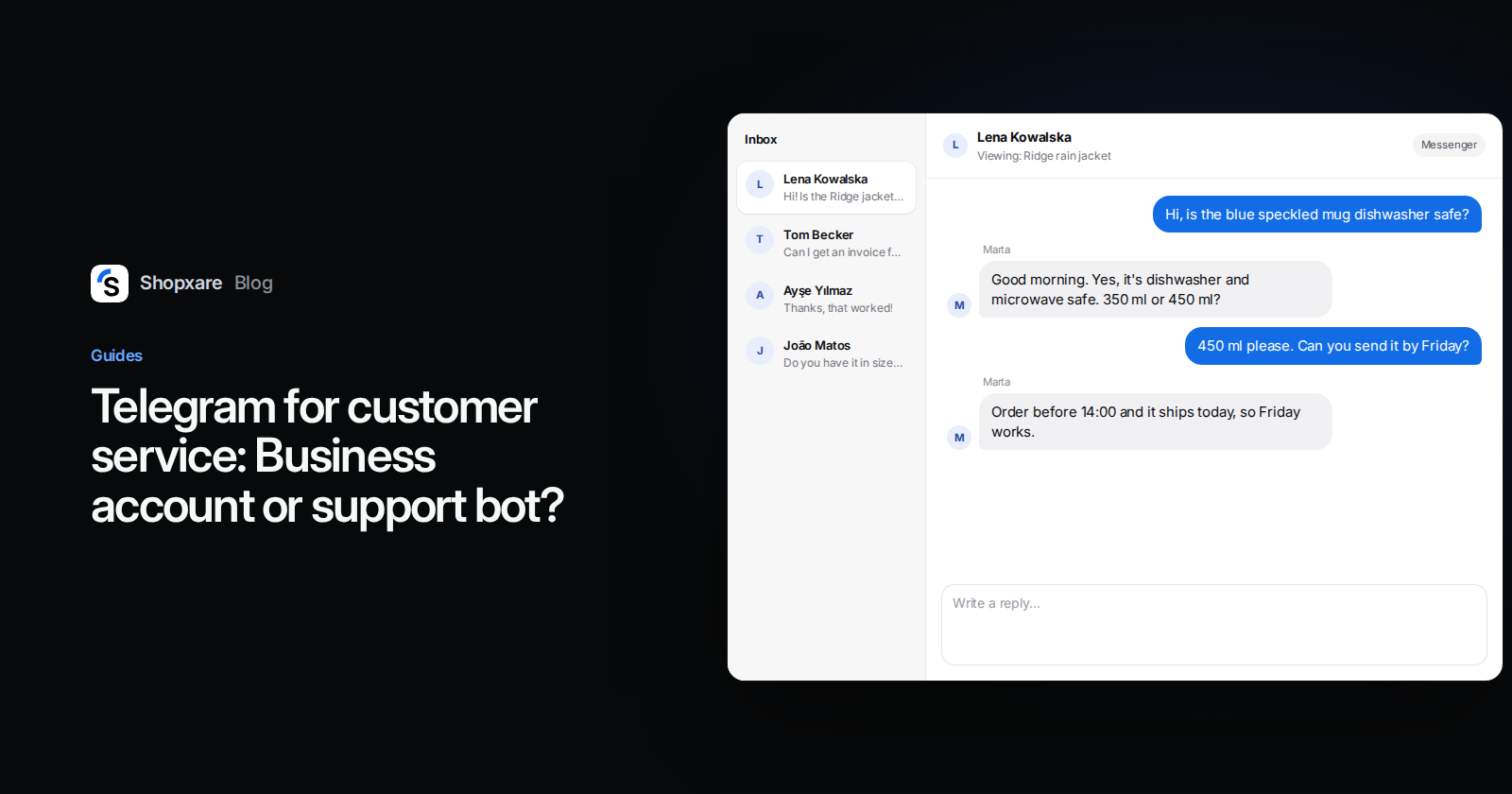
Lumen Ceramics sells handmade mugs. The owner answered Telegram on her own account until a part-time helper joined in October. They created @lumenceramics_bot, connected it to a shared inbox and put the bot link on the packing slip.
Customer (Sunday, 21:40): Is the blue speckled mug dishwasher safe?
Helper (Monday, 9:05): Good morning. Yes, the blue speckled mug is dishwasher and microwave safe. The glaze is food safe and won't fade. Would you like the 350 ml or the 450 ml size?
The owner saw the reply in the same inbox, and the next time this customer wrote, both of them had the full history.
When Telegram is the wrong channel
- Your customers don't use it. Check where your messages come from today before adding a channel nobody picks.
- You need card details or ID documents. Use a payment link or your checkout, never a chat.
- Your volume is a handful of messages a month. A link to your email may be enough.
If you are working through which channels to automate first, our guide on automating customer service has a question-by-question map. WhatsApp, Instagram and Facebook Messenger are on the way in Shopxare; Telegram, email and website chat work today.
FAQ
Is Telegram Business free?
Telegram's developer docs (checked November 2026) say Business features are included with a Telegram Premium subscription. Connecting a chatbot to your account does not require Premium. Check the current Premium price in the app.
Can several people manage one Telegram Business account?
Telegram's documentation describes no team seats for a Business account. You can log in on several devices, but everyone then acts as the same person. For a team, use a bot connected to a shared inbox.
Can a Telegram bot send the first message to a customer?
No. Telegram bots can't start conversations; the customer has to open the bot and write first.
How do I set an away message on Telegram?
With Premium, go to Settings → Telegram Business → Away Message, write the text and choose when it is sent: always, outside opening hours, or on a custom schedule.
How do I add Telegram to my website?
Put your bot's t.me link on your contact page and in order emails. To answer those chats with your team, connect the bot to a shared inbox, as in Option 2.