 Shopxare Team
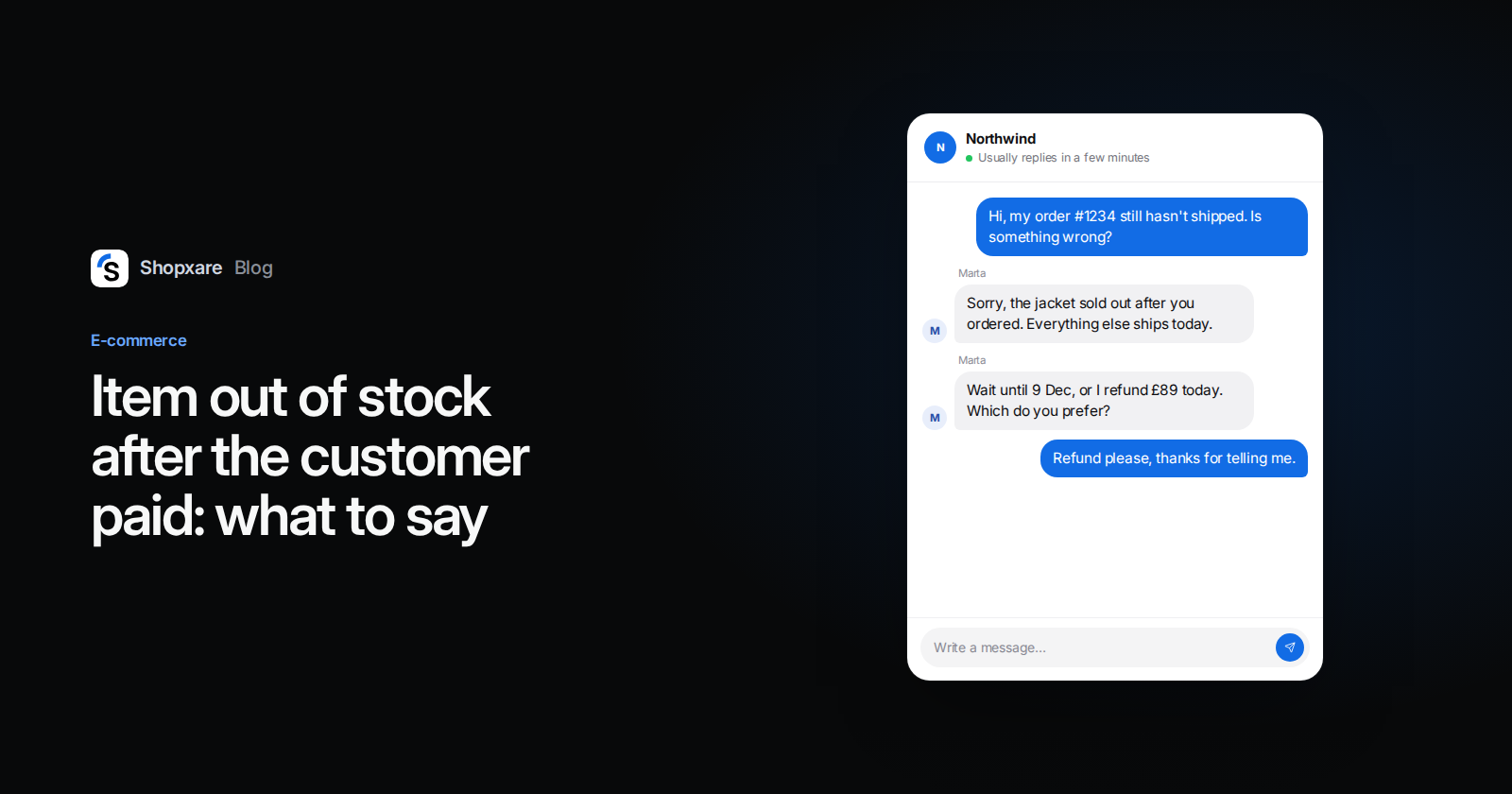
In short: When an item in a paid order turns out to be out of stock, write to the customer within one working day, before they write to you. Ship everything else right away and give a real choice for the missing item: wait until a confirmed new date, take an equivalent item, or get a refund. In the UK and the EU a stockout does not cancel the order by itself. The customer decides, and if the order ends you must refund all they paid without undue delay.
Every store with more than one sales channel oversells sooner or later. Stock syncs every few minutes, two people buy the last pair at the same second, a supplier delivery doesn't arrive, or a marketplace order lands on an item you sold in your own shop an hour earlier. Black Friday on 27 November 2026 makes it more likely: order volume jumps and stock counts lag behind.
Most search results for "out of stock email" are about back-in-stock marketing. This guide covers the harder message, the one that goes to someone who has already paid.
What the law expects in the UK and the EU
| UK | EU | |
|---|---|---|
| Delivery deadline if none was agreed | 30 days after the contract (Consumer Rights Act 2015, s. 28) | 30 days after the contract (Consumer Rights Directive 2011/83/EU, Art. 18) |
| You miss the deadline | The customer can set a reasonable extra period, then treat the contract as at an end | The customer can set an additional period, then terminate |
| You refuse to deliver | The customer can end the contract immediately | The customer can terminate immediately |
| Refund | All payments, without undue delay | All sums paid, without undue delay |
Three things follow for your support team:
- An accepted order is a contract. "Out of stock" is a problem you have to solve, not a reason that ends the order on its own. First try to get the item elsewhere: another warehouse, the supplier, a wholesaler.
- The customer chooses. You offer options. Cancelling a paid order without asking, or sending a substitute nobody agreed to, is how a stock problem turns into a complaint.
- "Without undue delay" has no fixed number of days in these rules. Read it as: refund the same day the customer chooses a refund.
Your own terms and conditions may add rules, for example a right to cancel if your supplier fails you. This is a summary, not legal advice.
The first 24 hours, step by step
- Catch it before the customer does. Every morning, and twice a day in peak weeks, list open orders that contain an item with zero or negative stock. Include marketplace orders.
- Try to source it. If you can get the item within the delivery time you promised, the customer only needs a short note, or nothing at all.
- Decide what you can offer. Use the table in the next section.
- Write within one working day. Send one email, and if the customer has chatted with you, add a line in the chat too. Say what is missing, what ships today, the options, and how to answer.
- Act on the answer the same day. Issue the refund, ship the swap, or note the new date on the order. Confirm in writing.
- Fix the cause after the rush. Look at why it oversold: a sync delay, a missing stock buffer, a product left on "continue selling when out of stock".
Which option to offer
| Situation | Offer | Avoid |
|---|---|---|
| Supplier has confirmed stock within your delivery promise | Wait for the new date, or cancel that item | A date you have not confirmed |
| Restock expected, no date yet | Refund now, and offer to tell them when it is back | "Soon" or "in a few days" |
| Same product in another colour or size | Ask first, ship only after a yes | Sending a substitute unasked |
| Equivalent product at a higher price | Swap at the price they paid | Asking them to pay the difference for your mistake |
| Equivalent product at a lower price | Swap and refund the difference | Keeping the difference |
| Product discontinued | Refund that item, or a named alternative | Leaving the order open "just in case" |
| Gift with a deadline, such as Christmas | Say plainly whether it will arrive in time | A delivery date you can't control |
8 templates to copy
Replace everything in [brackets]. Keep the order number, product and amount in every message: the customer should not have to look anything up.
1. New date confirmed (email)
Subject: Order [#1234]: [product] ships on [date], the rest ships today
Hi [Name],
Thank you for your order. [Product, size] sold out just before your order came in. Our supplier has confirmed new stock for [date]. I'm sorry for the wait.
The rest of your order ships today with [carrier]. For [product], you can choose:
- Wait: we send it on [date] at no extra cost.
- Cancel it: I refund [£amount] to your card the same day.
Reply with 1 or 2. If I don't hear from you by [date], I'll keep it on order and ship it on [date]. You can still cancel any time before then.
[Your name], [Store]
2. No date yet (email)
Subject: Order [#1234]: [product] is out of stock
Hi [Name],
[Product, size] from your order is out of stock, and our supplier can't give us a date yet. I'd rather not guess one.
My suggestion is a refund of [£amount] for this item. Reply "refund" and I'll send it today. If you would rather wait, reply "wait" and I'll write as soon as I have a date. You can change your mind at any point.
The rest of your order ships today.
[Your name], [Store]
3. Partial shipment (chat)
Hi [Name], your order is on its way except [product], which sold out. Everything else ships today with [carrier], and I'll send tracking within the hour. For [product]: would you like to wait until [date], or should I refund [£amount] today?
4. Offer a swap (email or chat)
[Product] in [colour] has sold out. We do have [alternative], [why it is equivalent or better], at the same price. Would you like it instead? I'll only send it if you say yes. Otherwise I refund [£amount] today.
5. Discontinued (email)
Subject: Order [#1234]: [product] is no longer available
Hi [Name],
I'm sorry: the manufacturer has stopped making [product], and we can't get more. Reply "refund" and I'll refund [£amount] today, or tell me if you'd like [alternative] instead at the same price.
[Your name], [Store]
6. The customer asked first (chat)
You're right, and I should have told you before you had to ask. [Product] sold out after your order went through. Here's what I can do: [option A] or [option B]. Which would you prefer?
7. Reminder when there's no answer (email, 3 days later)
Hi [Name], a short reminder about [product] from order [#1234]. If I don't hear from you by [date], I'll [refund it / keep it on order], as I mentioned. One word is enough: "wait" or "refund".
8. The new date slipped (email)
Hi [Name], I'm sorry: our supplier has moved the date for [product] again, to [new date]. That's later than we promised. If you'd rather have your [£amount] back, reply "refund" and it's done today. If you want to keep waiting, I'll write the day it ships.
For longer apologies, see our apology message templates.
Example: one oversold pair of trail shoes
A two-person running shop sells on its own website and on a marketplace. On Black Friday at 10:02, two orders arrive for the last pair of a trail shoe in size 9, one on each channel. The Monday morning check shows stock at -1.
The support person calls the supplier: new stock on 9 December. The shop promises delivery within 5 working days, so that date is outside the promise. She ships the socks from the same order and sends template 1. The customer replies "2". The refund of £119 goes out at 11:40, with a note that it can take a few working days to appear on the card.
It took about ten minutes. Without that email, the first contact would probably have been an angry "where is my order?" a week later, in the busiest week of the year.
How to make it routine in Shopxare
- See the order next to the conversation. With your store connected, your team sees the customer's orders beside every chat and email, so nobody asks for an order number twice (Stores and orders).
- Save the 8 templates as saved replies. Type
/in the reply box to insert one, with the customer's name filled in (Saved replies). - Send from your own address and track it. Support email lands in the inbox as numbered tickets and you reply from your store's address, so the customer's answer comes back to the same thread (Tickets and email).
- Send stock problems to one person. A workflow can assign these conversations automatically, which keeps the answers consistent during a busy week.
- If you use Are AI, add a short answer that explains your options for out-of-stock items and hands over to a person for the refund (Teach Are AI).
For peak-season staffing, see our Black Friday customer service plan.
When this advice doesn't fit
- Pre-orders and made-to-order items. The delivery date was part of the deal at checkout. What you promised there decides what you owe.
- B2B orders. The consumer rules above don't apply; your contract terms do.
- It happens every week. Then the fix is stock, not wording: a buffer on fast sellers, quicker sync between channels, and turning off overselling on products you can't restock quickly.
FAQ
Can a store cancel my order because the item is out of stock?
Stores often do, but in the UK and the EU an accepted order is a contract. If the store can't deliver, you can end the contract and must get back everything you paid without undue delay. Some stores reserve a right to cancel in their terms, so check them.
How long does a store have to refund an out-of-stock order?
The UK and EU rules say "without undue delay" and set no fixed number of days. A good store refunds the same day the customer chooses a refund.
How long can an online store take to deliver?
In the UK and the EU, 30 days after the order, unless you agreed on another time.
Should I tell customers about a stock problem before they ask?
Yes. A message on day one, with a choice, is shorter and calmer than an answer to a complaint on day seven.
Can I send a replacement product without asking?
No. Ask first and ship the alternative only after the customer agrees. Otherwise you may pay for a return as well.
If you'd like these templates one keystroke away for the whole team, Shopxare has a free plan.