 Shopxare Team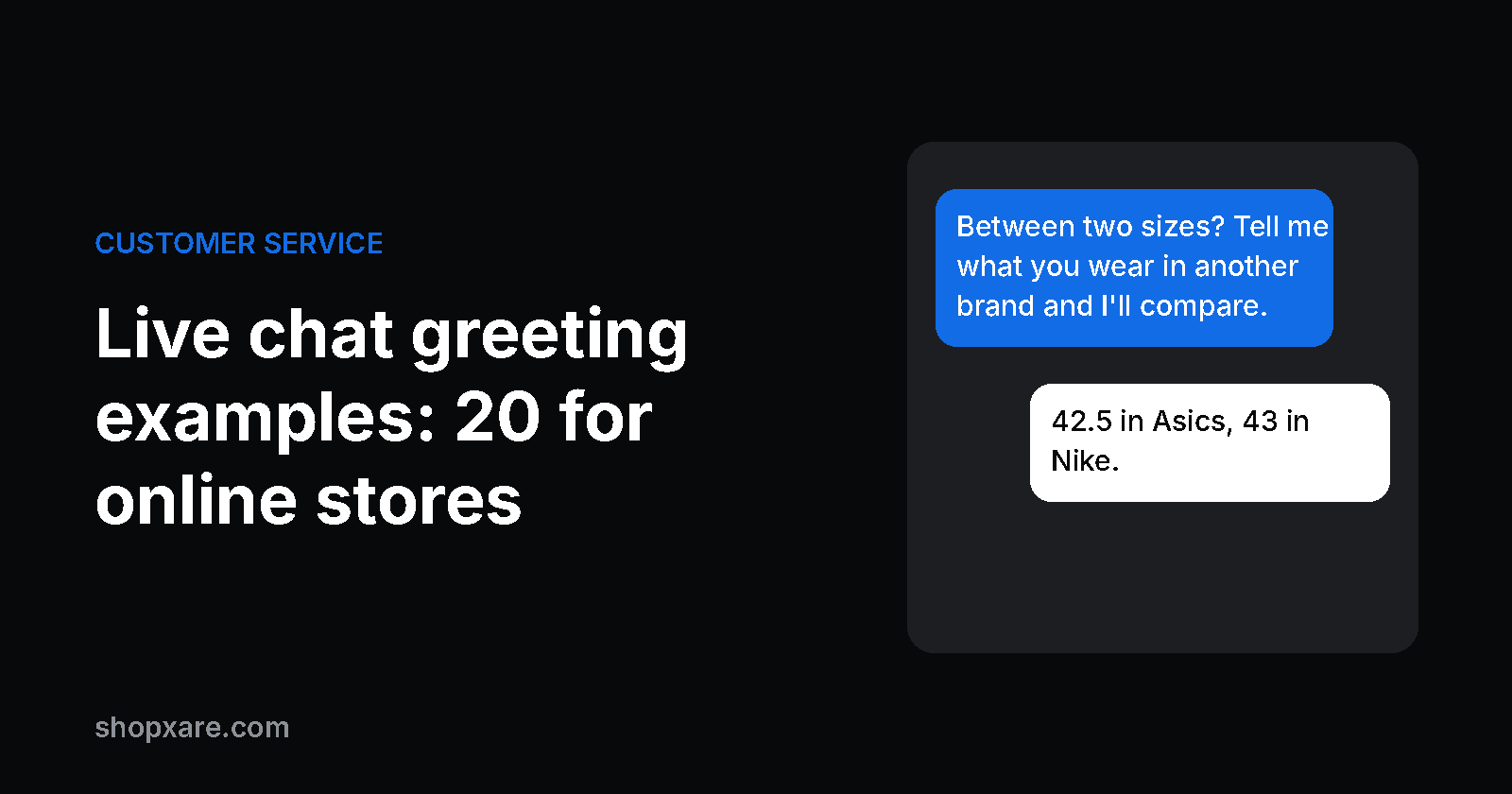
A good live chat greeting answers the question a visitor has on that page, in one short sentence, and asks for nothing more than a reply. Give everyone a calm default greeting in the chat window, and add a pop-up message only on the few pages where people get stuck: product pages, the cart and the shipping page. Below are 20 greetings for an online store, sorted by page, with a delay and a frequency for each, plus the pages where you should stay quiet.
Two kinds of greeting
- The default greeting is what visitors see when they open the chat themselves. It never interrupts, so its job is to set expectations: who answers and how fast.
- A proactive message appears on its own after a trigger, such as 30 seconds on a product page. It interrupts, so it has to earn that with a useful sentence.
Most stores need one good default greeting and three or four proactive messages. Go beyond that and the chat becomes one of the "annoying chat invitations" Jakob Nielsen lists in his top 10 UI annoyances (2025). His point: chat should be available, not advertised with overlays that stop people from solving their problem.
Four rules for a greeting people answer
- Match the page. On a product page the question is about the product: size, material, whether it fits their device. In the cart it's about cost and delivery. "How can I help you?" fits every page and therefore none.
- One sentence, one question. On a phone the greeting shares the screen with your product. Keep it under about 100 characters.
- Be honest about who answers and when. If a person replies in about 10 minutes during office hours, say so. If an AI agent answers first, don't give it a human name and photo.
- Make replying easy. Ask something the visitor can answer with a word or a number ("Which size do you usually wear?"), or offer two or three buttons.
Where to greet, when and how often
These are our starting points, not laws. Adjust them after two weeks of data.
| Page | What the visitor wonders | Greeting | Delay | How often |
|---|---|---|---|---|
| Any page, chat opened | Will anyone answer? | Default greeting | none | always |
| Home page | Do they have what I need? | None, or a banner | – | – |
| Product page | Will it fit or work for me? | Proactive | 30–45 s | once per visit |
| Size guide | Which size do I take? | Proactive | 15 s | once per visit |
| Cart | What will it cost, when will it arrive? | Proactive | 20–30 s | once a day |
| Checkout and payment | – | None | – | – |
| Shipping and returns page | Can I send it back? | Proactive | 20 s | once per visit |
| Order tracking page | Where is my order? | Proactive | 10 s | always |
| Sale landing page | Does the code apply? | Banner | 5 s | once |
Why the cart deserves a greeting: in the Baymard Institute's survey of US online shoppers, most of the top reasons for abandoning an order are questions a one-line chat reply can answer.
| Reason for abandoning an order (US shoppers, last 3 months, "just browsing" excluded) | Share |
|---|---|
| Extra costs too high (shipping, tax, fees) | 40% |
| Delivery too slow | 20% |
| Didn't trust the site with card details | 19% |
| Returns policy not good enough | 13% |
| Total order cost not shown up front | 12% |
Source: Baymard Institute, Cart Abandonment Rate Statistics, updated September 2025. Baymard puts the average documented cart abandonment rate at 70.22%, based on 50 studies.
A chat can't make shipping cheaper. It can tell someone that shipping is free from $60 and they are $8 away, which is often all they wanted to know.
20 live chat greeting examples
Replace the parts in [brackets]. Each one fits on a phone screen.
Default greeting (the visitor opens the chat)
-
Hi, we're [Anna and Tom] from [Store]. Ask us about sizes, shipping or your order. We usually reply within [10 minutes] on weekdays.
-
Hi there. Our AI assistant answers right away, and a person from our team takes over whenever you ask.
-
Hi. We're a team of [3] in [Leeds], online [Mon–Fri, 9–17]. Leave a message any time and we'll answer by email if you've gone.
Product page
-
Between two sizes? Tell me what you wear in another brand and I'll compare.
-
Questions about [the material / battery life / care]? I can check the details for you.
-
Not sure this works with your [model]? Send me the model number and I'll check.
Size guide
-
Which size do you usually wear in jeans? I'll tell you which [Store] size to pick.
Cart
-
Shipping is free from [$60]. Want a suggestion for something small to get there?
-
Order by [2 pm] and it ships today. Any question before you check out?
-
Returns are free for [30] days. If something doesn't fit, we'll swap it.
Shipping and returns page
-
Want to send something back? Give me your order number and I'll start the return.
-
Shipping to [country]? Ask me and I'll tell you the cost and delivery time.
Order tracking page
-
Parcel not moving? Send me your order number and I'll check with the courier.
Returning visitor or logged-in customer
-
Welcome back, [first name]. Your last order arrived on [date]. Need anything for it?
-
Good to see you again. Still thinking about the [product]? Ask me anything about it.
Sale or campaign
-
The [code] discount works on everything except [gift cards]. Ask me if a product counts.
-
The sale ends [Sunday at midnight]. Questions about sizes or stock? I'm here.
Busy times and after hours
-
We're getting a lot of messages today. Expect a reply within [30 minutes]; we'll email you if you leave.
-
We're offline until [9:00 tomorrow]. Leave your question and email, and you'll have an answer first thing.
More wording for closed hours is in our 12 after-hours message templates.
Business customers and large orders
-
Ordering for a company or more than [10] units? Tell me the quantity and I'll send a quote today.
When not to greet
- Checkout and payment. The visitor is doing exactly what you want. A pop-up here can cover the pay button. Keep the chat launcher visible and nothing more.
- The first seconds of a visit. Nobody has a question two seconds after landing.
- After someone closed your message. Show it once per visit or once a day. A closed message is an answer.
- Login, account and password pages. People there want to finish a task.
- When nobody can answer. A proactive "Can I help?" at 11 pm, with no AI agent and no honest offline note, teaches visitors that your chat doesn't work.
- Full-screen on mobile. A greeting that hides half the product photo costs more than it brings.
Example: a running shoe shop
A small shop selling running shoes gets most of its questions about sizing. It sets up three things:
- Default greeting 1, with its real reply time.
- Greeting 4 on product pages after 40 seconds, once per visit.
- Greeting 8 in the cart after 25 seconds, once a day.
A visitor reads a product page for a minute, then sees:
Shop: Between two sizes? Tell me what you wear in another brand and I'll compare.
Visitor: 42.5 in Asics Novablast, 43 in Nike Pegasus.
Shop: This model runs a little short, so take the 43. If it doesn't fit, the exchange is free for 30 days.
That question would otherwise have arrived a week later as a return.
How to tell if a greeting works
For each message, look at four numbers: how many people saw it, clicked it, closed it and replied. Two quick reads:
- Few replies, many closes: the message interrupts without helping. Change the page, the delay or the sentence.
- Plenty of replies, always the same question: put that answer on the page itself and let the greeting cover the next question.
Change one thing at a time and give each version a couple of weeks. A small store needs that long to collect enough conversations to compare.
Setting it up in Shopxare
- Default greeting: in Settings → Messenger, write the greeting and introduction for the Home screen. The Home screen also shows your team's avatars and the expected reply time. See Customize the Messenger.
- Greetings on specific pages: build a Flow with the "time on page" trigger, add a page rule for your product or cart URLs and set the frequency (once, daily, per visit or always). A "Message with buttons" step gives one-tap answers, and "Hand to team" passes the chat to your inbox. If the visitor types or asks for a person, the flow hands over at once.
- A message from a real teammate: under Outbound, a proactive chat opens in the Messenger from a teammate you pick and goes to that person's inbox when the visitor replies. Banners work well for free-shipping thresholds and sales. For every message you see how many people saw, clicked, closed or replied. See Banners and messages.
- The answer after the greeting: Are AI answers from your own shipping, returns and help pages and hands over to the team when it should. Keep your follow-up answers as saved replies, or start from our 24 canned responses for online stores.
WhatsApp, Instagram and Facebook Messenger channels are on the way in Shopxare. Until then, the texts above also work as a WhatsApp Business greeting if you use one.
Try it
Shopxare is free, with no credit card. Install the Messenger, paste greeting 1 into the Home screen and add one flow for your product pages. That's enough to start measuring.
FAQ
What is a good live chat greeting?
One short sentence that matches the page and is easy to answer, such as "Between two sizes? Tell me what you wear in another brand." In the default greeting, also say who answers and how fast.
What should a welcome message for online store customers say?
Who you are, what you can help with (sizes, shipping, orders) and when they'll get a reply. Two sentences are enough.
When should a chat greeting pop up?
After the visitor has had time to read: about 30 to 45 seconds on a product page and 20 to 30 seconds in the cart. Never during checkout or payment.
Should a proactive chat message appear on every page?
No. Use it on the few pages where people have a question, show it once per visit or once a day, and keep the rest of the site quiet.
Proactive or reactive chat: which is better?
You need both. The default greeting serves everyone who opens the chat, and proactive messages help on product, cart and shipping pages. Start with the default and add one proactive message at a time.