 Shopxare Team
Short answer: A chatbot answers. An AI agent answers and then does something about it: it looks up the order, checks the stock or starts the return, within rules you set, and hands the conversation to a person when it should. For a small online store, a button chatbot is enough for fixed choices, an AI chatbot is enough for policy questions, and an AI agent earns its place when many of your chats need live order data.
"Agent" is now on almost every support vendor's homepage, so ignore the label and ask one question about any tool: does it only reply, or can it read and change things in your systems? This guide gives you a three-level comparison, a table that sorts 12 everyday store questions by the level they need, the rules for letting software near your orders, and a test you can run in an afternoon.
Three levels, not two
Most "AI agent vs chatbot" articles compare two things. In a store's chat window you will meet three:
| Button chatbot (rule-based) | AI chatbot | AI agent | |
|---|---|---|---|
| How it decides | You draw every path | A language model writes the reply from your content | Same, plus it chooses steps and tools for the case |
| What it knows | Only the text in your buttons | Your help pages, policies and saved answers | Your content plus live data: orders, stock, the customer's profile |
| What it can do | Show options, collect an email, pass to the team | Answer in its own words, read-only | Answer, look things up, change records when allowed |
| A typed question nobody planned for | Can't handle it, should hand over | Answers if it is in your content | Answers or looks it up |
| Typical failure | Customer stuck in a menu | A confident wrong answer | A wrong action, such as editing the wrong order |
| Setup work | About an hour per flow | Collecting and cleaning your content | Content plus a connection to your store or order system |
Some vendors call level 2 an "AI agent" too. For your decision, the line that matters is between levels 2 and 3: answers from text versus access to your data. If you are still deciding whether you need automation at all, start with our comparison of chatbot vs live chat.
Which store questions need which level
Here are 12 questions a typical online store gets every week, and the lowest level that handles each one well.
| Customer question | Enough | Why |
|---|---|---|
| "Track order / Returns / Something else" (menu at chat start) | Button chatbot | Fixed choices, no reading needed |
| "What are your opening hours?" | Button or AI chatbot | One fixed answer |
| "How much is shipping to Ireland?" | AI chatbot | It is on your shipping page |
| "Can I pay with PayPal?" | AI chatbot | Policy text |
| "Which size should I take? I'm 178 cm and usually wear M." | AI chatbot, person for edge cases | Works if your size chart is in the content |
| "Where is my order #10482?" | AI agent | Needs live status and tracking |
| "Is the blue jacket in M back in stock?" | AI agent | Needs live stock |
| "I want to return the shoes." | AI agent, person for exceptions | It can check the order date and explain the next step |
| "Can I change my delivery address?" | AI agent if your system allows it before dispatch, otherwise a person | It is a change to a record |
| "My parcel arrived broken" (with a photo) | Person | Judgement and compensation |
| "Can I get a discount on 20 pieces?" | Person | A pricing decision |
| "I want to talk to someone." | Person, at once | Never argue with this one |
Our rule of thumb: tag one week of chats. If only a small share are order look-ups, an AI chatbot plus your team covers it. If "where is my order" and stock questions make up a big part of your volume, the agent level pays off.
Six rules before an AI agent touches your orders
- Start read-only. Let it look up orders and stock first. Allow changes later, one type at a time.
- Identify the customer first. Show order details only after the customer gives the order number plus the email or phone used at checkout, or is a logged-in, verified user.
- Ask before every change. The agent should say exactly what it will do ("I'll change the address on order #10482 to …, shall I go ahead?") and wait for a yes.
- Write procedures as steps. "When someone wants to return an item: look up the order, check it was delivered less than 30 days ago, send the returns link, otherwise hand over." Vague instructions produce vague behaviour.
- Keep the way to a person visible. In a Gartner survey of 5,728 customers, 64% said they would prefer companies didn't use AI for customer service, and the top concern was that it would get harder to reach a person (Gartner, July 2024). A visible "talk to a person" option answers that fear.
- Say it is an AI. Under Article 50(1) of the EU AI Act, people must be told they are interacting with an AI system unless that is obvious; this applies from 2 August 2026 (AI Act, Article 50).
You are also responsible for what your bot says. In February 2024 a Canadian tribunal ordered Air Canada to pay a customer CAD 812 in damages, interest and fees after its website chatbot described a bereavement refund the airline's policy did not allow. The tribunal rejected the argument that the chatbot was responsible for its own words (CBS News, 2024).
How the three levels look in Shopxare
- Button chatbot: Flows are guided conversations with buttons and need no AI. If a visitor types instead of clicking, or asks for the team, the flow hands over.
- AI chatbot: Are AI answers only from what you teach it under Are AI → Knowledge: help center articles, short answers, website pages and files (Teach Are AI).
- AI agent: connect your shop under Settings → Stores & marketplaces and Are AI answers "Where is my order?" from live data after the customer enters the order number and the email or phone used (Stores and orders). For your own systems, data connectors and procedures let it look up and change orders; calls that change something ask the customer first by default.
Are AI hands over when the customer asks for a person, is upset, sends a file, when it is not sure enough or the answer is not in its knowledge, and on topics you list. Are AI → Try it shows whether it would answer or hand over, and nothing is sent to anyone. Put "AI assistant" in the name shown to customers so the disclosure is in every reply.
One question, three answers
A two-person ceramics shop on WooCommerce gets this message on a Sunday at 22:10:
Customer: Hi, I ordered the green mugs on Thursday, order 10482. When will they arrive?
Button chatbot: shows "Track order / Returns / Other". The customer clicks "Track order" and lands on a tracking page where they type the number again.
AI chatbot: "Orders usually ship within 2 working days and delivery takes 2–4 working days. Your tracking link is in the shipping confirmation email." Correct, but it doesn't know this order.
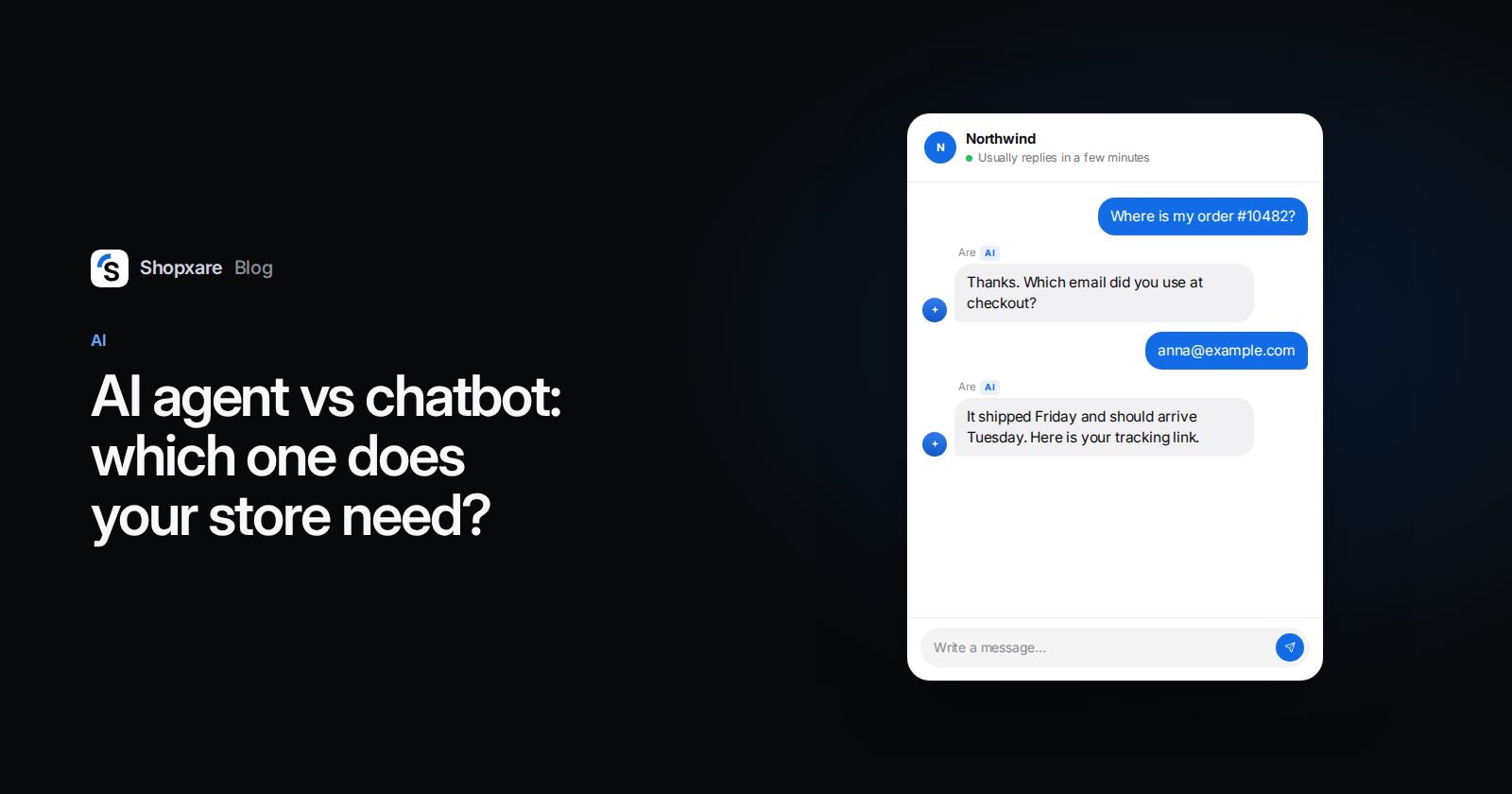
AI agent: asks for the email used at checkout, then: "Thanks. Order 10482 left us on Friday and is with the carrier's local depot. Expected delivery is Tuesday. Here is your tracking link: … Anything else I can help with?"
Only the third reply ends the conversation on Sunday night.
A 20-question test before you switch it on
Run these in a preview before any customer sees the agent:
- 8 policy questions from your shipping, returns and payment pages. Pass: correct, and you can see which source it used.
- 4 order look-ups with real test orders in different states (paid, shipped, delivered, cancelled).
- 2 identity checks: a wrong order number, and a right number with the wrong email. Pass: no order details shown.
- 3 handover cases: a broken item with a photo, an angry message, "I want a person". Pass: handed over every time.
- 3 questions you have no answer for, such as gift cards you don't sell. Pass: it says it doesn't know or hands over, and invents nothing.
Our bar: every identity and handover case correct, at most one policy answer that needs a wording fix. Repeat the test after every big change to your content.
When you don't need an AI agent
- You get a handful of chats a day and answer them within the hour.
- Your products need advice or quotes, such as made-to-measure furniture or wholesale.
- Your orders live in a spreadsheet or an inbox with no API. The agent has nothing to read.
- Your policies aren't written down. Fix that first with our guide to creating a knowledge base.
Gartner predicts that by 2029 agentic AI will resolve 80% of common customer service issues without human help (Gartner, March 2025). Treat that as a forecast. For a small store the limit today is rarely the model; it is whether the agent can read your order data and follow written steps. Our step-by-step guide to an AI chatbot that answers from your own content covers the content side.
If you want to try levels 2 and 3 without a contract, Shopxare has a free plan. Teach Are AI your help pages, connect your store and run the 20-question test in Try it before you switch it on.
FAQ
What is the main difference between an AI agent and a chatbot?
A chatbot replies, either from fixed paths or from your content. An AI agent can also use tools: it looks up orders, checks stock or changes a record after the customer confirms, and decides when to hand over.
Is ChatGPT a chatbot or an AI agent?
The ChatGPT chat window answers from what it knows and what you paste in. For customer service it does not see your store's orders unless it is connected to them, so in a support setting it behaves like an AI chatbot.
Can an AI agent replace my support team?
No. Damaged items, complaints, pricing decisions and anything unusual still need a person. An agent takes the repeat look-ups so your team has time for those.
Do I have to tell customers they are talking to an AI?
In the EU, yes: Article 50(1) of the AI Act applies from 2 August 2026 and requires that people are informed they are interacting with an AI system unless it is obvious. A clear name such as "Mia, AI assistant" covers it.
What is agentic AI in customer service?
It is AI that works through a task in steps, such as identifying the customer, fetching the order and explaining the status, instead of writing a single reply. It needs access to your systems and rules for what it may do.