 Shopxare Team
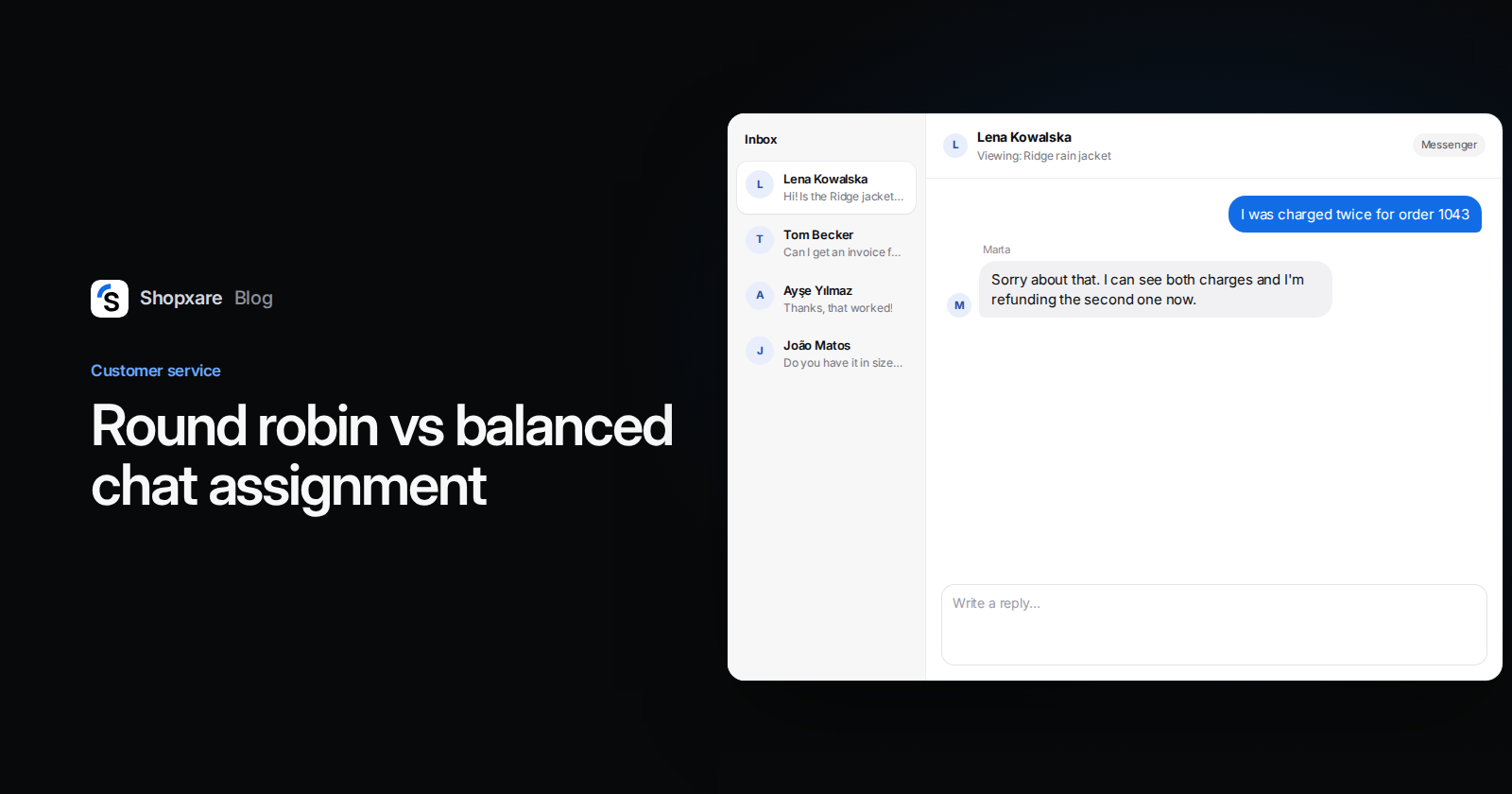
Short answer: with one or two people, let them pick conversations themselves from a shared view. From three people on, use balanced assignment (each new chat goes to whoever has the fewest open conversations), cap everyone at 2–3 open chats, assign only people who are online, and put a short list of rules above it for the cases that need a specific person: payments, wholesale, marketplaces, a language only one person speaks. Round robin is fair by count, not by workload, so keep it for teams whose conversations are short and alike.
Most guides on ticket routing are written for help desks with fifty agents and skills matrices. This one is for an online store with two to ten people: which method to pick at your size, why round robin feels unfair, eight rules you can copy, a capacity number to start with and a test to run before you switch it on.
The three ways to assign conversations
| Method | How it picks | Good for | Breaks when |
|---|---|---|---|
| Manual | Teammates take conversations from a shared list | 1–2 people, low volume | Two people answer the same chat, or nobody takes the hard one |
| Round robin | Next person in a fixed order, one at a time | Short, similar questions; a fair split of count | One person gets three long complaints in a row and still gets the next chat |
| Balanced (load balancing) | Whoever has the fewest open conversations | Mixed chats and emails, most small stores | Conversations are never closed, so "open" stops meaning "busy" |
All three need the same basics to work: people close conversations when they are done, and the tool knows who is actually working right now.
Why round robin feels unfair
Take a three-person team on a Monday morning. Chat 1 goes to Ana: a parcel arrived broken, she needs photos, an order lookup and a replacement. Chat 2 goes to Ben ("do you ship to Austria?"), chat 3 to Cem ("is the blue one back in stock?"). Ben and Cem are done in two minutes. Chat 4 is Ana's turn again, while she is still on the broken parcel. By 10:00 Ana has five open conversations and the other two have one each.
Round robin counts turns, not effort. Balanced assignment would have skipped Ana until her open count dropped. This isn't a theoretical complaint: Zoho Desk's own community has a long thread titled "Ticket assignment: load balancing ruins round robin functionality", where admins argue about exactly this trade-off.
Our opinion: for a store, balanced is the better default. Conversations differ too much in length. Use round robin only when your chats are almost all quick pre-sale questions and you care about each person getting the same number, for example because they earn a commission on sales chats.
Which setup fits your team size
| Team | Assignment | Rules | Capacity cap |
|---|---|---|---|
| 1–2 people | Manual, one shared view | None, or one for email vs chat | Not needed |
| 3–5 people | Balanced, online only | 3–5 rules for special cases | 2 for new people, 3 for experienced |
| 6–10 people | Balanced inside teams (e.g. Sales, Orders, Marketplaces) | 5–8 rules that pick the team | 2–3, lower for the complaints team |
Two people don't need automation. They need a rule about who owns what ("you take mornings, I take afternoons") and a shared inbox where they see who is replying. Adding routing before you have three people mostly adds settings to maintain.
How many open conversations per person
Start new teammates at 2 open chats and experienced ones at 3. Comm100's Live Chat Benchmark Report 2025 says most agents can handle two chats at once and experienced agents three to four. We explain where that number comes from in our average handle time guide.
Then adjust with one week of data:
- Customers wait for the second and third reply → lower the cap.
- Everyone sits under the cap and first replies are still slow → you are short of people, not of routing. See the staffing maths in our SLA guide.
- Emails waiting for the customer count as open → snooze them, or the cap fills with conversations nobody is working on.
How a new conversation finds its owner

Rules first, then automatic assignment for everything the rules didn't catch, then a safety net for the moments nobody is free. Most routing problems come from skipping the safety net.
8 routing rules for an online store
Rules are checked from top to bottom and the first match wins, so put the narrow, urgent ones first. Copy the ones that fit and leave out the rest.
- Payments and chargebacks. First message contains
refund,chargeback,charged twice,money back→ team Orders, mark as priority. Money questions get one experienced owner. - Stuck at checkout. Current page contains
/checkoutor/cart→ team Sales, priority. This person is trying to pay you. - Damaged or wrong item. First message contains
broken,damaged,wrong item,missing→ team Orders, priority. - Wholesale and B2B. Contact attribute
customer_typeiswholesale, or first message containswholesale,bulk order,invoice→ the account manager by name. - Marketplace messages. Channel is a marketplace → team Marketplaces. Amazon and others have their own reply deadlines; see our marketplace reply times.
- Language. Language is German, and only one person writes good German → that person. If nobody does, skip the rule and use live translation instead.
- Email tickets. Channel is email → team Tickets, so long email threads don't take chat slots from people answering live visitors.
- Everything else. No rule. It falls through to balanced assignment.
Keyword rules miss typos and other languages. Put three to five variants in each rule, add the words your customers really use (check last month's chats), and keep the list short. Eight rules you understand beat thirty nobody dares to touch.
Two safety nets
Shifts and office hours. Automatic assignment should only pick people who are on shift and online. Otherwise chats go to someone who left at 17:00 and sit there until morning. Outside your office hours, tell customers when you're back; our after-hours templates have the wording.
A waiting-too-long alert. Set one automation: when the customer has waited 5 minutes without a reply during office hours, add a note and assign the conversation to the whole team. This catches the chat that went to someone who stepped away without changing their status.
Test before you switch it on
Send these from a private browser window and check who gets each one.
| # | You send | Expected owner |
|---|---|---|
| 1 | "I was charged twice for order 1043" | Orders, priority |
| 2 | Any question from the checkout page | Sales, priority |
| 3 | "The mug arrived broken" | Orders, priority |
| 4 | "Do you do wholesale prices?" | Account manager |
| 5 | A German message | German speaker (or balanced, if no rule) |
| 6 | An email to your support address | Tickets |
| 7 | "Do you ship to Austria?" | Whoever has the fewest open chats |
| 8 | Three quick questions in a row | Spread across people, nobody over the cap |
| 9 | A chat while one teammate is set to away | Not that teammate |
| 10 | A chat at 23:00 | Office-hours message, waits in the team view |
Run the test again every time you add a rule. A new rule placed too high can swallow conversations meant for the rules below it.
When not to automate assignment
- Fewer than about 20 conversations a day. One person can watch the inbox; routing adds nothing.
- Only one person can answer most questions. Routing won't create knowledge. Write it down first, for example in a help center.
- Your team never closes conversations. Balanced assignment reads open conversations as load. Fix the closing habit (or use auto-close) before you rely on it.
Setting it up in Shopxare
In Shopxare everything above lives in one place, Settings → Teams & assignment (docs):
- Under Teams, create the teams you need (for example Orders, Sales) and choose Members.
- Under Automatic assignment, pick Manual, Round robin or Balanced, set Max open per teammate and turn on Only teammates who are online and not away.
- Click New rule, add conditions under When all of these are true (page URL, language, first-message text, channel, contact attributes) and choose a team, a teammate and/or Mark as priority under Then. Order them with Move up and Move down.
- Under Shifts, tick Use a weekly schedule per person, and turn on Use office hours with your holidays.
- For the safety net, create a workflow with the trigger The customer has waited for… 5 minutes, the condition Office hours is open, and the actions Add internal note and Assign to team.
Reports show response times per teammate, which is the quickest way to see whether the split is fair. Shopxare has a free plan with no credit card needed; the pricing page lists what each package includes.
FAQ
What is round robin assignment?
A method that hands new conversations to teammates in a fixed order, one each, then starts again. It splits the number of conversations evenly but ignores how long each one takes.
What is the difference between round robin and load balancing?
Round robin looks at whose turn it is. Load balancing (balanced assignment) looks at who has the fewest open conversations right now, so someone stuck on a long case is skipped until they catch up.
How many chats can one agent handle at once?
Most teams work with two or three. Start new teammates at two and experienced ones at three, then lower the cap if customers wait longer for follow-up replies.
What is skills-based routing?
Sending a conversation to the person who can answer it, based on language, topic or customer type. In a small store a few rules do the same job: a language rule, a payments rule, a wholesale rule.
What happens to assigned chats when an agent goes offline?
An "online only" setting usually affects new assignments, not conversations already assigned. Add an automation that reassigns or flags conversations where the customer has waited too long, so nothing gets stuck with someone who left.