 Shopxare Team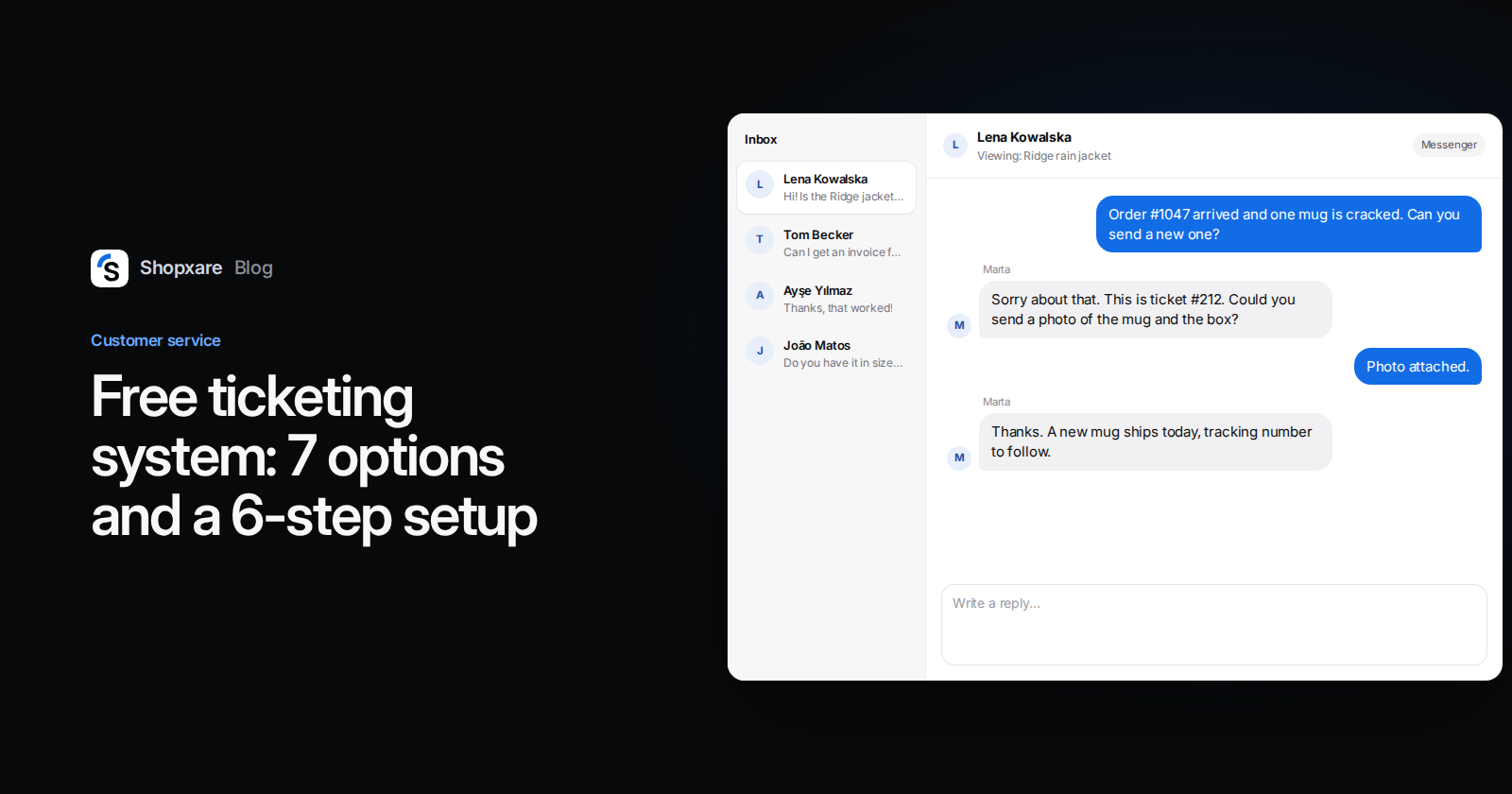
Short answer: In October 2026 five tools give a small support team a ticketing system for free: Zoho Desk Free (3 agents, email only), HubSpot's free tools (2 users, HubSpot branding on chat and email), Help Scout Free (5 users, but only 100 contacts a month), osTicket (open source, you host it) and Shopxare (unlimited seats, email tickets plus live chat). Freshdesk no longer shows a free plan on its pricing page, only a 14-day trial. If two people answer a handful of emails a day, a Google Groups collaborative inbox may be all you need for now.
Every limit below comes from the vendor's own pricing or product page, checked in October 2026.
What a ticketing system does that a shared mailbox doesn't
A ticket is a customer request with four things attached: a number, one owner, a status and the full history. That sounds small. In practice it removes the three problems every shared Gmail or Outlook mailbox ends up with:
- Two people answer the same email, with slightly different answers.
- Nobody answers, because each person thought the other one had it.
- Nobody can say how many requests are open right now, or which is the oldest.
You need one when customers start writing "any update?", when you search the Sent folder to check whether someone already replied, or when a request waits over the weekend because it was in a colleague's head and not in a list.
Free ticketing systems compared (October 2026)
| Tool | What the free plan allows | Channels on the free plan | The catch | Pick it when |
|---|---|---|---|---|
| Zoho Desk Free | 3 agents | Email ticketing | No automation, SLAs, multiple departments or custom roles | You want a classic help desk and only use email |
| HubSpot (free tools) | Up to 2 users | Basic ticketing, shared inbox, live chat | HubSpot branding on chat and email | You already keep customers in HubSpot CRM |
| Help Scout Free | 5 users, 1 inbox, 1 Docs site | Email (shared inbox) | 100 contacts per month; AI Answers costs $0.75 per resolution | Low volume, mostly email |
| osTicket | No user limit, open source (GPL-2.0) | Email, phone and web forms | You host it: PHP 8.2–8.4 and MySQL, updates and backups are on you | You have someone technical and want the data on your own server |
| Google Groups collaborative inbox | Part of a Google work account | Assign and mark complete, but no ticket numbers, reply targets or reports | Two people, low volume, already on Google Workspace | |
| Shopxare | Unlimited seats, conversations and contacts | Email tickets, live chat (the Messenger), Telegram, help center | 3 teams, 10 workflows, 500 MB storage, 30 days of report history | You want chat and email tickets in one inbox |
| Freshdesk | No free plan on the pricing page, 14-day trial | – | Growth plan $19 per agent per month, billed annually | You will pay anyway and want a classic help desk |
Sources: Zoho Desk pricing, HubSpot Service Hub pricing and HubSpot ticketing, Help Scout pricing, osTicket on GitHub, Google Groups collaborative inbox help, Shopxare pricing, Freshdesk pricing, all checked October 2026. A Freshworks article mentions a free program for 1–2 agents for six months, but the pricing page itself only lists the trial, so we did not count it.
The column that decides most cases is "the catch". Zoho and Help Scout are good ticketing tools whose free plans stop at email. HubSpot's free tier is generous but stops at two users. osTicket costs nothing in licences and something every month in maintenance.
Four questions to pick one
- Do customers only email you? Then Zoho Desk Free or Help Scout Free cover it. If they also use the chat on your site, you want chat and tickets in the same place: HubSpot or Shopxare.
- How many people answer? Two fits HubSpot, three fits Zoho, five fits Help Scout. Beyond that, the only free options without a seat cap are osTicket and Shopxare.
- How many different customers write each month? Help Scout's free plan counts contacts, not emails. A store where five new customers write a day passes 100 in three weeks.
- Who maintains it? If nobody on the team is comfortable updating PHP on a server, skip osTicket. A hosted tool is cheaper than one weekend of fixing a broken upgrade.
How to set up a ticketing system in an afternoon
The steps are the same in every tool. We use Shopxare's menu names where they help, because that is the tool we know best.
1. Pick one support address
Use one address, such as [email protected], and stop answering customers from personal mailboxes. Put it in your order confirmation emails, footer and contact page. If customers already write to three addresses, forward the other two to this one.
2. Forward that address into the ticketing tool
Every tool gives you a forwarding address. In Shopxare it is under Settings → Email & tickets: choose your provider (Gmail / Google Workspace, Outlook / Microsoft 365, or cPanel / Titan / other), follow the three forwarding steps and send a test email from an outside address. When it arrives, the page shows the time of the last email. Turn on Create tickets from new emails so every new email gets a number. To reply from your own domain instead of the default sender, add your SMTP details under Own SMTP server (optional). The full steps are in Tickets and email.
3. Create four to six ticket types
Types tell you what kind of work is waiting. For an online store this set covers most requests:
- Where is my order
- Return or exchange
- Damaged or wrong item
- Invoice or payment
- Product question
- Wholesale or B2B
Keep it short. Twelve types means nobody picks the right one. Shopxare also has Back office types that the customer never sees, useful for a task like "warehouse: check parcel weight".
4. Use few statuses
Four are enough: Submitted, In progress, Waiting on customer, Resolved. "Waiting on customer" matters most: it separates tickets that need you from tickets that need a photo or an order number from the customer, so your open list shows real work.
5. Decide who gets which ticket
With two people, a shared list and a rule ("take the oldest first") is fine. From three people on, let the tool assign. Shopxare offers round robin (in turn) or balanced (to whoever has the fewest open conversations), only to teammates who are available, with an optional cap per person. Rules can send invoice tickets to one team and returns to another. See Teams and assignment.
6. Send the ticket number at once and set a reply target
An instant acknowledgement with the ticket number stops most "did you get my email?" follow-ups. In Shopxare that is Acknowledge new requests. Then set a first-reply target you can keep, for example four business hours for email, and check it weekly. Our post on customer service KPIs covers what to measure, and canned responses gives you the replies to load on day one.
Example: a damaged mug at a three-person homeware store
A customer emails support@: "Hi, order #1047 arrived and one of the mugs is cracked. Can you send a new one?"
The email becomes ticket #212, type Damaged or wrong item, and round robin assigns it to Ana. The customer immediately gets: "Thanks, we have your request as ticket #212. We reply within four business hours."
Ana replies within the hour:
Hi Maria, sorry about the cracked mug. Could you send a photo of it and of the box? As soon as we have it, we will ship a replacement free of charge, usually the same day. Ticket #212.
She sets the status to Waiting on customer. The photo arrives the next morning, the ticket moves back to In progress, the warehouse gets a back-office ticket to ship the mug, and Ana marks #212 Resolved with the tracking number. If the same customer had asked in the website chat instead, Ana would use Convert to ticket in the conversation menu, and the chat would keep its history and get a number.
When you don't need a ticketing system yet
Be honest about this, because a tool nobody uses is worse than a tidy inbox:
- One person answers everything. A ticket's main job is to show who owns a request. With one person, a starred folder does that.
- Fewer than about ten requests a day and nobody has asked "any update?". Labels in Gmail or a Google Groups collaborative inbox are enough.
- Most questions are the same three. Put shipping, returns and sizing on a help page first. Fewer emails beats faster sorting.
Move once two of the three problems from the top of this post show up in the same week.
FAQ
Is there a completely free ticketing system? Yes. osTicket is open source and free if you host it yourself. Hosted free plans exist at Zoho Desk (3 agents), HubSpot (2 users), Help Scout (5 users, 100 contacts a month) and Shopxare (no seat limit), as of October 2026.
Does Freshdesk have a free plan? Its pricing page shows no free plan in October 2026, only a 14-day trial of the Enterprise plan. The cheapest paid plan, Growth, is $19 per agent per month billed annually.
Can I use Gmail as a ticketing system? Partly. A Google Groups collaborative inbox lets members assign a conversation and mark it complete, no action needed or duplicate, and filter out resolved ones. It has no ticket numbers, reply targets or reports, so it suits two people with low volume.
What is the difference between a ticket and a live chat? A chat is a conversation that happens now; a ticket is a request tracked until it is solved, often over days. Many chats end in a minute and never need a ticket. The ones that need a refund, a photo or the warehouse should become one.
What is the best free ticketing system for a small business? It depends on your channels and team size. Email only and up to three people: Zoho Desk Free. Already on HubSpot: HubSpot. Chat plus email, or more than five people: Shopxare. Full control on your own server: osTicket.
If you want email tickets and website chat in one free inbox, you can start with Shopxare for free, no credit card. If you are leaving a paid help desk, our Zendesk alternatives comparison shows what the paid options cost.