 Shopxare Team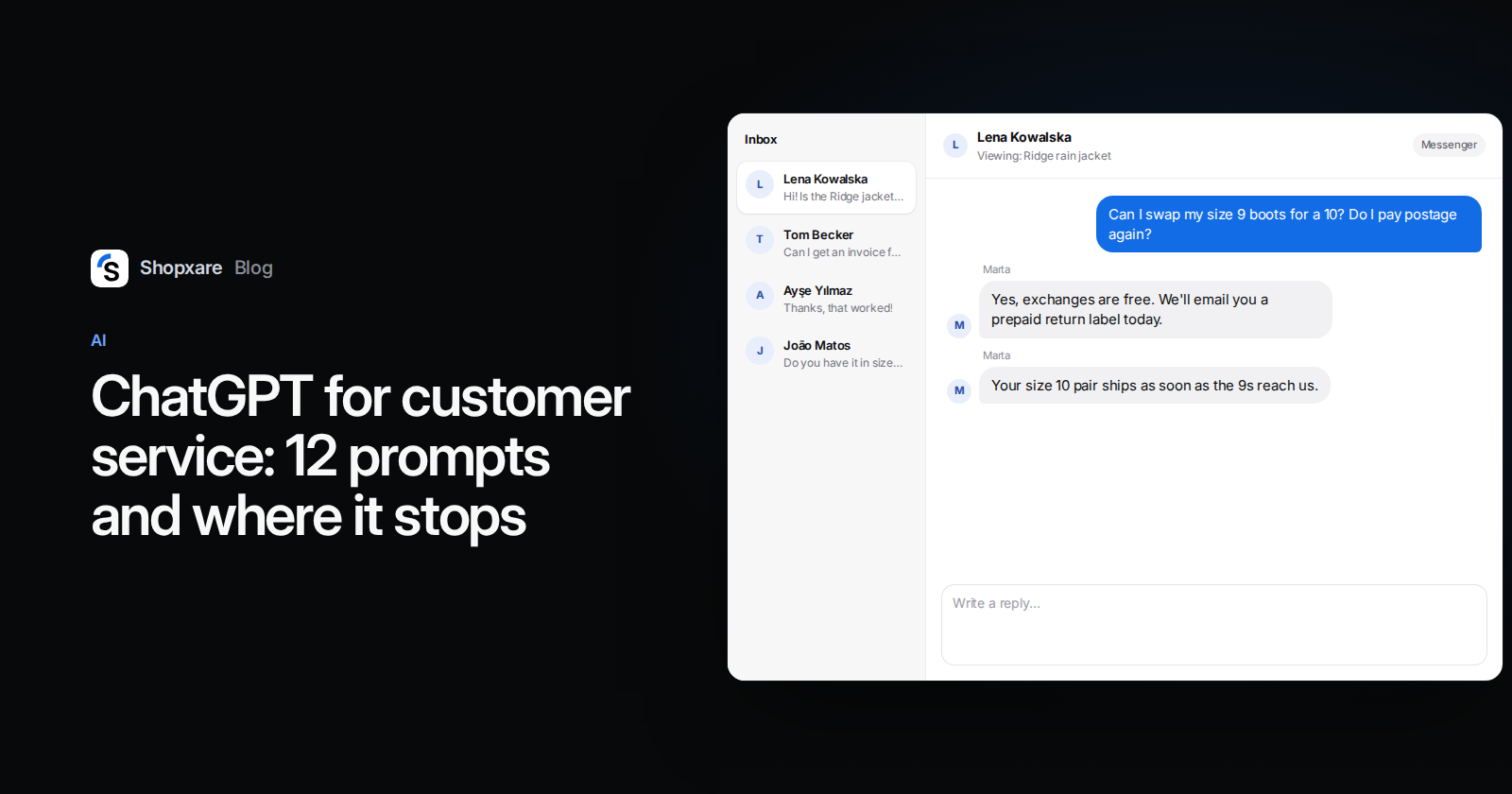
Use ChatGPT as a writing assistant behind the scenes, not as the voice of your store: let it draft replies, soften a tense answer, summarise a long thread, translate, and turn your policies into saved replies. Paste your own shipping and returns rules into the chat so it doesn't guess, take names, addresses and order numbers out before you paste a customer message, and have a person read every answer before it's sent. Plain ChatGPT can't see your orders and doesn't know your rules, so it shouldn't talk to customers on its own.
Below: what it does well and badly, a context block to set up once, 12 prompts for an online store, a worked example and the point where copy-paste stops being worth it.
What ChatGPT is good at in support, and what it isn't
| Task | Good fit? | Why |
|---|---|---|
| Drafting a reply to a question you've answered before | Yes | Fast, as long as your policy text is in the chat |
| Rewriting a clumsy or irritated draft | Yes | Tone is where it's strongest |
| Translating a reply | Yes | Check names, amounts and dates afterwards |
| Summarising a long email thread | Yes | Remove personal data first |
| Turning your policies into saved replies and FAQ entries | Yes | One-off work that saves hours later |
| "Where is my order?" | No | It has no access to your shop or the carrier |
| Deciding on a refund outside your policy | No | That's a judgement call with money attached |
| Chatting with customers on your website | Not plain ChatGPT | No order data, no handover, no record in your inbox |
The pattern: ChatGPT is good at language and bad at facts it hasn't been given. Every prompt below is built around that.
Three rules before you paste anything
1. Paste the rule, don't ask it to know it. If you ask "how long do customers have to return an item?", you'll get a plausible generic answer, often "30 days", whatever your actual policy says. Give it your text and tell it to use nothing else.
2. Leave personal data out. On ChatGPT's individual plans (Free, Plus, Pro), OpenAI says it "may use your content to train our models" unless you turn off Improve the model for everyone under Settings > Data controls (OpenAI Help Center, checked October 2026). ChatGPT Business and Enterprise don't train on business data by default (OpenAI enterprise privacy, updated January 2026). Switching training off still doesn't decide whether you may share customer data with another company; your privacy policy and data processing agreements do. The simple habit: replace the name with [NAME], the order number with [ORDER], and drop email and street addresses entirely. ChatGPT doesn't need them to write a good reply.
3. A person sends. You're responsible for what your bot says. In Moffatt v. Air Canada (British Columbia Civil Resolution Tribunal, February 2024), the airline's chatbot told a customer he could claim a bereavement discount after flying. Air Canada argued it couldn't be held liable for its chatbot. The tribunal disagreed: "It makes no difference whether the information comes from a static page or a chatbot," and ordered the airline to pay CA$650.88 in damages plus interest and fees (Daily Hive, February 2024; Manatt analysis, February 2024).
Set up a support context once (5 minutes)
Keep one chat (or a Project, if your plan has it) only for customer replies and put this block at the top. Fill it with your real rules.
You help me answer customers of [STORE], an online store selling [PRODUCTS] in [COUNTRY].
Tone: friendly and short. No exclamation marks. Sign off as "[YOUR NAME], [STORE]".
Use only these facts:
- Shipping: [carriers, cost, dispatch time, delivery time]
- Returns: [days, condition, who pays return postage, how to start a return]
- Refunds: [when and how the money comes back]
- Payment: [methods, when the card is charged]
- Contact and hours: [email, hours, time zone]
If something isn't covered by these facts, write [CHECK] instead of guessing.
Never promise refunds, discounts, delivery dates or stock you don't see above.
The [CHECK] instruction does most of the work. Instead of inventing an answer, ChatGPT leaves a visible gap for you to fill.
12 prompts to copy
Replies
- Draft a reply.
Customer message: "…". Draft a reply under 80 words using only the facts above. Mark anything you're unsure of with [CHECK]. - Pre-sale question.
A customer is choosing between [PRODUCT A] and [PRODUCT B] and asks: "…". Here are both product descriptions: … Write a short, neutral comparison and end with one question that helps them choose. - Saying no.
We can't [REQUEST] because [REASON]. Write a reply that says no in the first sentence, explains why in one sentence and offers [ALTERNATIVE]. - Late order.
The order [ORDER] was shipped on [DATE] with [CARRIER]; tracking says: "…". The customer writes: "…". Write a calm reply that says what we know, what happens next and when they'll hear from us.
Tone
- Calm it down.
Rewrite my draft so it sounds calm and polite. Keep every fact and every date. Make it shorter, not longer: … - Make it shorter.
Cut this to three sentences. Keep the date, the amount and the link: … - Translate.
Translate into [LANGUAGE] for a customer. Keep [NAME] and [ORDER] placeholders, prices and dates exactly as they are. Use [formal/informal] address.
Long threads
- Summarise.
Summarise this thread in three bullets: what the customer wants, what we've already promised, what's still open. - Sort messages by topic.
Label each of these anonymised messages as order status, return, product question, payment, complaint or other. Return a table with the label and a five-word summary.Run it on last week's messages and you'll see which saved replies to write first.
Building your support kit
- Saved replies from a policy.
From the returns policy above, write five saved replies for the most common situations. Each under 60 words, each with a short name like "return-start". - FAQ entries.
Write FAQ entries for these five questions using only the facts above. Question as a heading, a direct answer in the first sentence, at most 50 words. - Check my reply.
Here is my reply to a customer. List anything they could misread, and anything that promises more than our policy allows: …
Example: a Saturday-morning email at a shoe shop
A small shoe shop's policy says exchanges are free within 30 days and the new pair ships as soon as the returned pair arrives. On Saturday morning this comes in:
Hi, I ordered the Harbour boots in size 9 on Monday and they're too small. Can I swap them for a 10? Do I have to pay postage again?
The owner pastes it with prompt 1. ChatGPT returns:
Hi [NAME], sorry the boots don't fit. Yes, you can swap them for a size 10, and the exchange is free: we'll email you a prepaid return label. As soon as your size 9 pair reaches us, we'll send the 10s. [CHECK: is size 10 in stock?] Thanks for letting us know, [YOUR NAME], [STORE]
The [CHECK] is the useful part. The draft didn't promise a pair that might not exist. The owner checks stock (two left), deletes the marker, adds the customer's name and sends it. Two minutes instead of ten, and nothing in the reply is invented.
Put together, the routine has four steps:
- Paste your facts once (the context block above).
- Remove personal data from the customer's message.
- Ask for a short draft with unknowns marked
[CHECK]. - A person fills in the gaps, adjusts the tone and sends.
Where copy-paste stops working
ChatGPT in a separate tab is fine for a shop answering a handful of emails a day. It gets tiring when:
- You answer more than about 20 conversations a day. Copying the message out, anonymising it, prompting and copying the answer back adds up to more time than it saves.
- Most questions are about orders. ChatGPT can't see order status; you still open the shop admin for every reply.
- Several people answer. Everyone keeps their own prompts and context, and the tone drifts.
- Customers write when you're closed. A drafting tool doesn't help at 11 pm.
At that point an inbox with AI built in makes more sense. In Shopxare, Copilot sits in the reply box: Draft a reply writes an answer from your own knowledge, Rewrite my draft offers Friendlier, More formal, Shorter and Fix spelling and grammar, and it can translate your draft into the customer's language. Nothing is sent without a person. With Hide personal data from the AI provider switched on, emails, phone and card numbers are replaced before text goes to the AI provider. Your rules live in one place, in Teach Are AI, instead of a context block in everyone's chat.
If you want AI to answer customers directly, Are AI answers in the Messenger only from what you've taught it and hands over to your team when the customer asks for a person, is upset, sends a file, or when it isn't sure enough. That handover matters: in a Gartner survey of 5,728 customers (published July 2024), 64% said they'd prefer companies didn't use AI in customer service, and the top worry was that it would get harder to reach a person. If you serve customers in the EU, Article 50 of the AI Act has required since 2 August 2026 that people are told they're talking to an AI system (AI Act, Article 50), so give your bot a name that makes that clear.
When ChatGPT alone is the better choice: if you get a few messages a day and nearly all are pre-sale questions, a support chat in ChatGPT plus a handful of saved replies is enough, and you don't need another tool. For more on that decision, see chatbot vs live chat for a small store and our 24 canned responses to start your saved replies from.
If you'd rather have drafting, translation and an AI agent inside your inbox, Shopxare is free and doesn't need a credit card.
FAQ
Can ChatGPT replace a customer service agent?
Not for an online store. It can write the replies, but it can't see orders, check stock or decide on exceptions. Use it to make a person faster, not to remove the person.
Is it safe to paste customer emails into ChatGPT?
Remove names, email and street addresses and order numbers first. On Free, Plus and Pro, conversations may be used for training unless you switch off Improve the model for everyone; Business and Enterprise don't train on your data by default. Whether you may share customer data at all depends on your privacy policy.
Can I connect ChatGPT to the chat on my website?
Not the ChatGPT app itself. You need a chat tool that uses an AI model, answers from your own content and hands over to a person. In Shopxare, Are AI runs on the AI budget included in your package or on your own OpenAI, Anthropic or Google key.
Which ChatGPT plan should a support team use?
If several people paste customer messages, ChatGPT Business is the safer choice because it doesn't train on business data by default. It starts at two users; current prices are on OpenAI's pricing page.
Do I have to tell customers that a reply was written with AI?
If a person reads and sends it, it's your reply. If an AI system talks to customers in the EU directly, the AI Act requires that they're told they're interacting with AI.